Tag Archives: tools

Custom Brushes by RAM – Clip Studio Paint / Manga Studio 5

Are you a fan of custom brushes for Clip Studio Paint? I know I am! They save a ton of time and can really open up some new ideas when utilizing them. If nothing else, they are just plain fun to use!

I have been creating brushes for years now. I started in Photoshop about 15 years ago but quickly feel in love with Clip Studio Paint’s brush engine. It is the absolute best on the market so far. Not only does it have a supperior use and control of the “Ribbon Effect” it also supports full color brushes. As well as controling the two primary colors with the Foreground and Background swatches. Super effective in my opinion!

I have two primary sets for Clip Studio Paint / Manga Studio 5. They are the “RAM – Manga Studio 5 / Clip Studio Paint – Inking Set” and “Clip Studio Paint – Manga Studio 5 – Digital Painting Brush Pack.” I started by creating Inking Brushes for Comics. Then I realized that I could create all sorts of time saving effects. Brick patters, cross-hatching, hair and fur, power effects, and the list goes on.

The new brushes that I just added are focused on repetitive patterns or “Ribbon Effects”. Things like Chain Links but with a comic style line art applied to them. Or my latest brush… Spider-Webs! I draw Spider-man a lot so with will save me years of webbing! 🙂
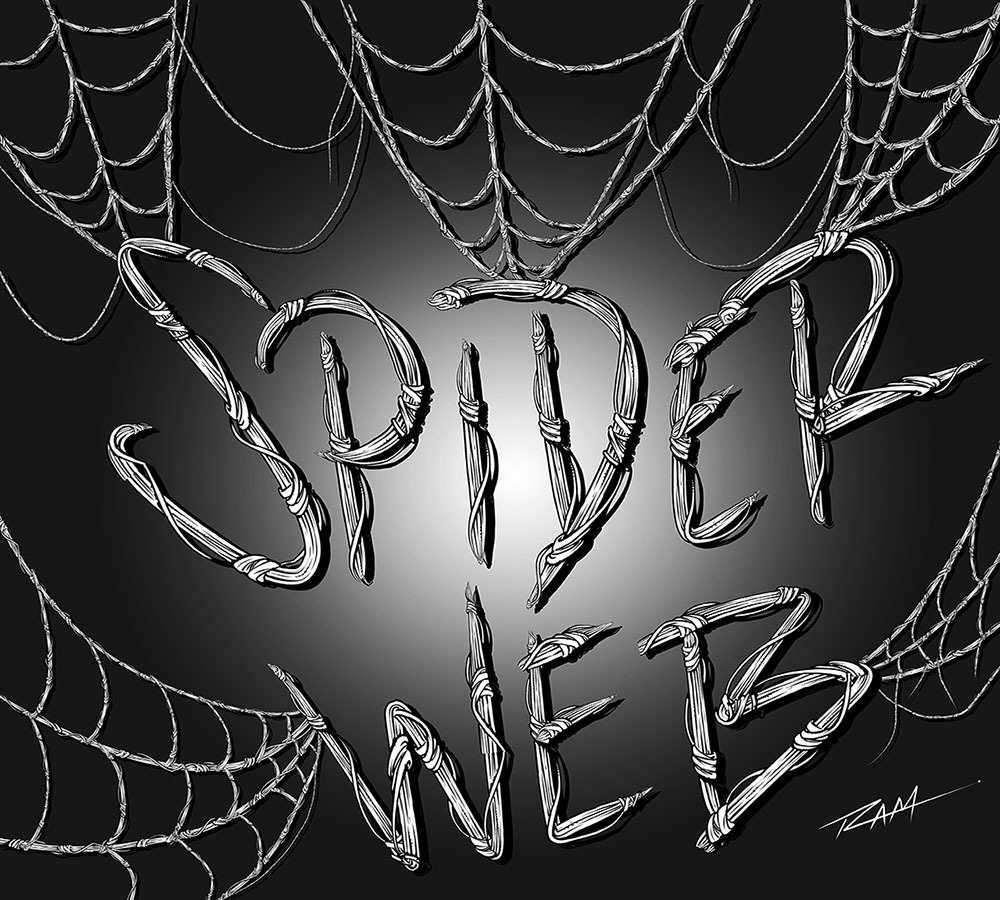
Spider-Web Brush by RAM

Here is an image of Spawn that I drew in the Procreate app and then added my custom Chains Brush in Clip Studio Paint.
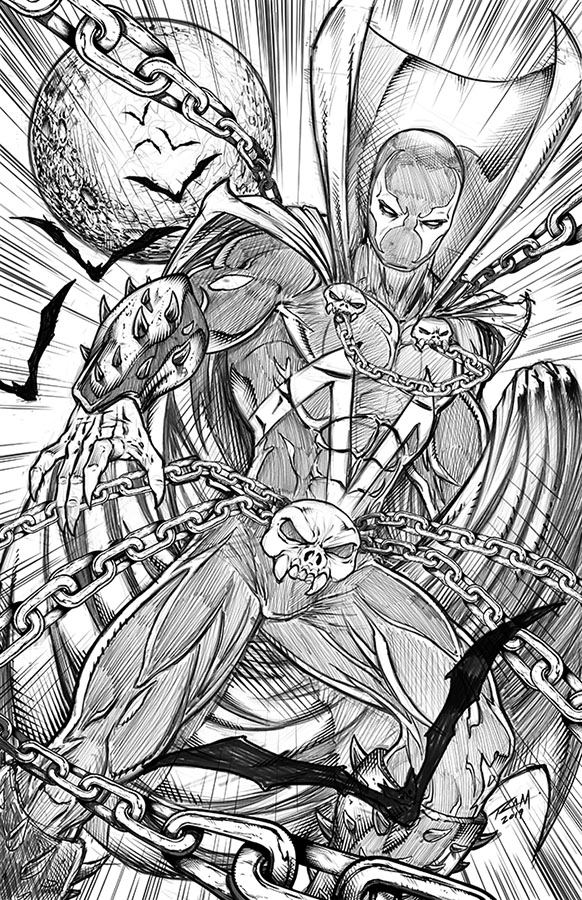
Spawn Comic Art by Robert A. Marzullo ( Character is Property of Todd McFarlane. )

So hopefully you can see how these brushes can be very useful as well as huge time savers. This is just how I use them so feel free to experient with your own creative illustrations!

Get the Inking Set here – https://gum.co/gGIye

or

Get the Painting Set here – https://gum.co/TQPbf

Both include the new brushes and more Comic Art Style brushes will be added as soon as I create them. Feel free to let me know which brushes you need and I would love to see the art you create with them!

Thanks for stopping by and best of luck with your art journey!

Robert A. Marzullo Ram Studios Comics
Introduction to Digital Painting in Photoshop – Beginner’s Guide

Introduction to Digital Painting in Photoshop - Beginner's Guide
Introduction to Digital Painting in Photoshop – Beginner’s Guide

Introduction to Digital Painting in Photoshop – Beginner’s Guide

Hello Digital Artists!

I have just released a new course, “Introduction to Digital Painting in Photoshop!”  Very excited to be bringing you this course and I hope you learn a ton of great techniques to add to your skill set.  Currently, this course sits at 33 Lectures and a Runtime of 3hrs 55 Minutes.  ( You also get the Art Files + over 50 Custom Brushes to work with. )

In this course, you will learn all the basic tools and how I use them to create professional looking digital art in Photoshop.  This course is designed to get you up and running with digital painting in Photoshop quickly and effectively.  Without all the confusion and complex jargon.  Photoshop is a massive program with tons of options and can quickly become a hindrance if it isn’t explained properly.  I teach this course is an easy to understand way!

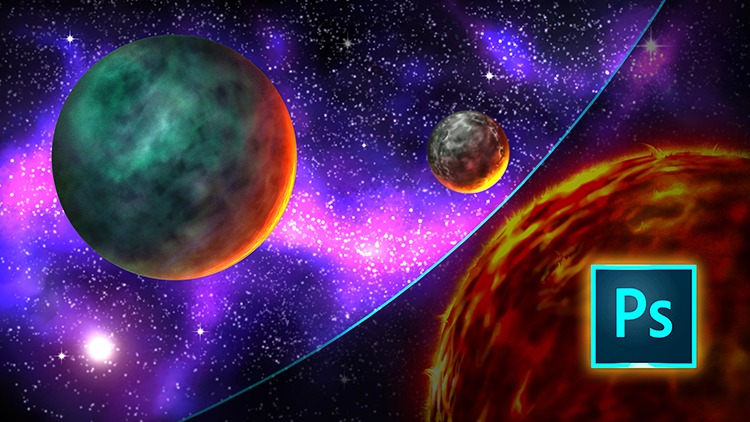
After covering all the basic tools and shortcut commands we jump into a scene creation.  You will learn to illustrate this Space Scene from scratch.  You will learn how to create this scene with a very simple approach.  This way you can focus on being able to paint without learning all the complexities that Photoshop has to offer.  This course is designed for the beginner to the intermediate digital artist in mind!

As with any of my courses, if you feel this content needs an additional lecture or two I am happy to help.  Just message me and I will improve the course as soon as possible.  Also, feel free to leave your honest review of this course so others will know what to expect!

( Lifetime access + 30 Day Money Back Guarantee ) 

Thank you for everything you do and more lessons are on the way very soon!

Robert A. Marzullo

Ram Studios Comics