Tag Archives: shading

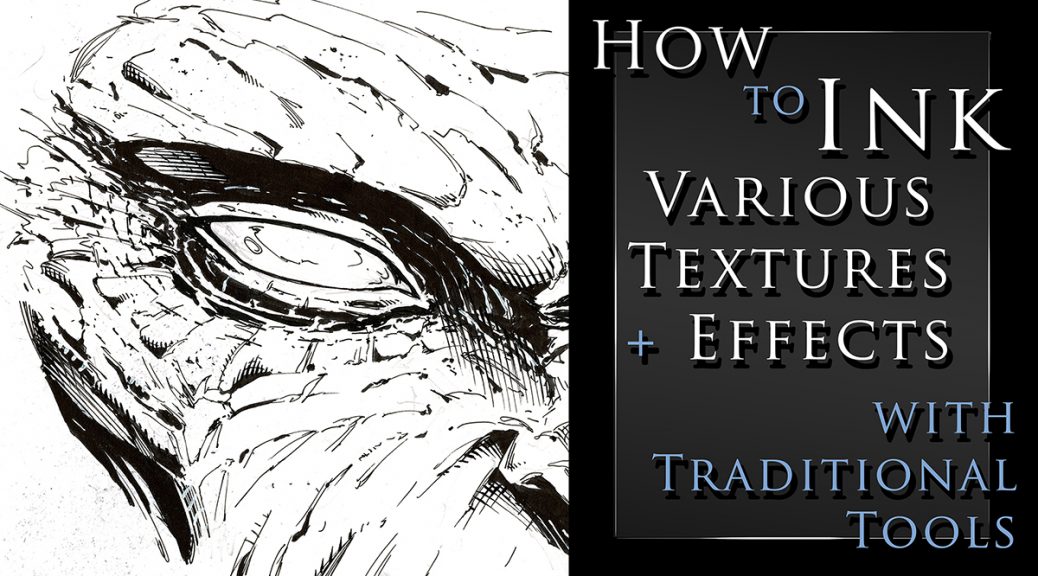
How to Ink Various Textures and Effects with Traditional Tools

How to Ink Various Textures and Effects with Traditional Art Tools

I just created a new class on Traditional Inking Techniques. You can get it on my Gumroad or watch it on Skillshare with the links below.

In this class I will show you my methods for drawing and inking various textures with traditional tools.  You will learn about line weight, textures, cross hatching, and making corrections as you work.

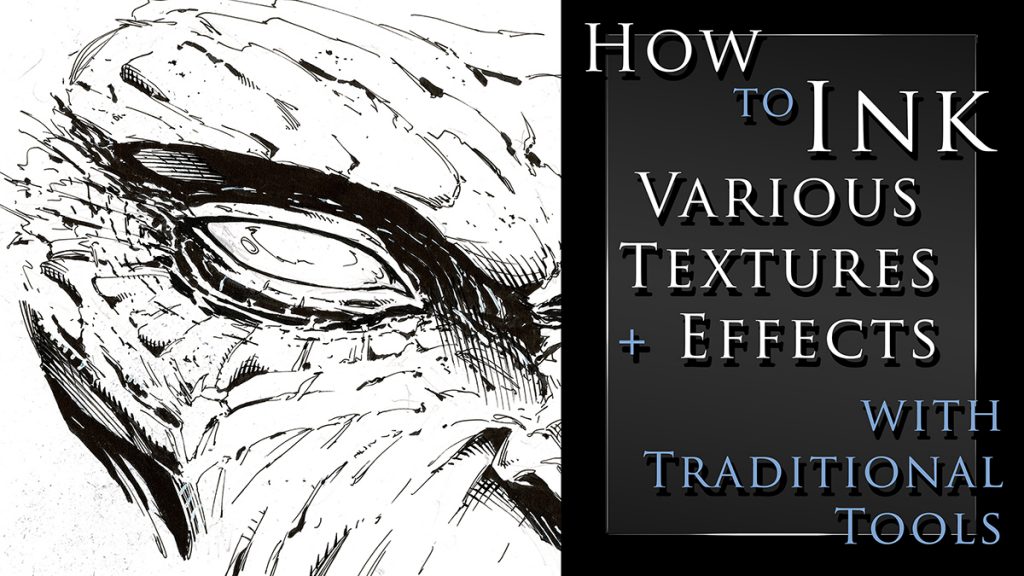
This class currently include 3 project files and the run time is at just over an hour.  The first project is drawing and inking a monstrous face.  Here we will go over the benefits or random textures and effects.  Sometimes you just have to let the pen go and see what happens!
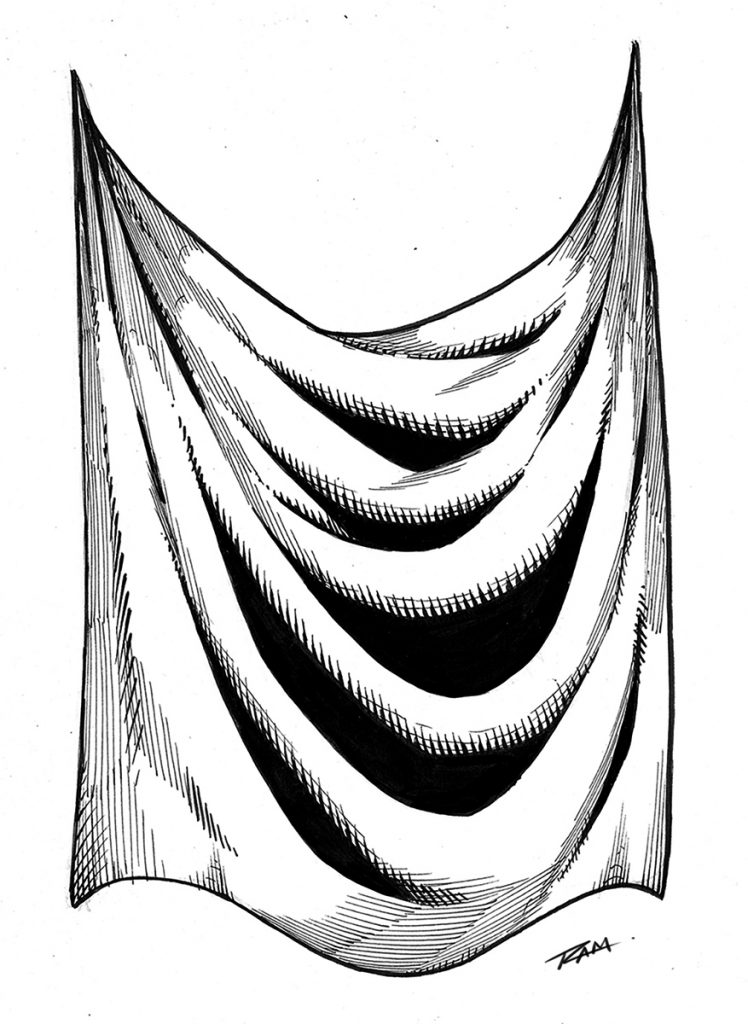
Cross hatching - Drapery

For the next project you will draw and ink a fantasy art sword.  This will allow us to work on something with more structure and talk about clean lines.  This is also a good opportunity to render some chrome like effects.

For the third project we will draw and ink some drapery.  This is something we need to practice a lot and it will relate to clothing and a variety of other materials.  This one is a time lapse with narrated since many of the concepts will be redundant.

You get all the art files to study and work along with.  I will be adding more examples very soon but let me know if there is something you would like to see covered in future lessons.

Tools that we will be using in this class – 

  • Strathmore 200 Series Bristol Board Smooth
  • Micron Pens – 01, 05
  • Tombow Dual Brush Pen – N15
  • Zebra Pen WFSS4 150
  • Presto Jumbo Correction Pen ( White Out )
  • Pentel Brush Pen Fine Point
  • Staedtler 2mm Lead Holder – 2H lead

Thank you for your continued support and good luck with your studies!

Watch it here on Skillshare – https://skl.sh/3nXut1i

Get the class here on my Gumroad – https://gumroad.com/l/OgsQC/ramstudioscomicssite777

Robert A. Marzullo

Ram Studios Comics
How to draw comic style art – from sketch to rendering

How to Draw Comic Style Art – From Sketch to Rendering

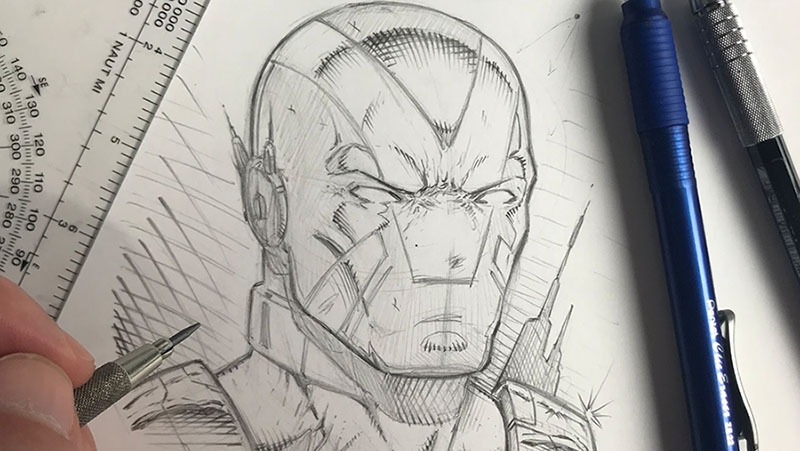
Welcome back fellow comic art enthusiasts! I have completed a new series of lessons for you on drawing in a traditional comic art style. From rough sketching to the final rendering and cross hatching stage, you will learn the process I use to create my art with good old pencil and paper.

If you are looking to learn how to draw comics in a step by step fashion then this course is meant for you!

I first walk you through my basic supplies. I show you how I use a variety of pencil leads ranging from 2H to 2B to get the look I am after. This course has multiple projects files so that you can work along with me to better understand drawing with Line, Shape, Form, and Shadow. With these fundamental ideas you can draw anything around you and translate it into your imaginative work of art!

Here are some of the things you can expect to learn in this course –

  • Understanding Line – Shape and Form
  • Constructing Your Designs with Primitive Shapes
  • Working with Light and Shadow
  • Cross hatching or Rendering Techniques
  • Line Weight and Line Clarity
  • Focal Points
  • Contrast within the work
  • And Rendering a Variety of Materials
  • Drawing Dynamic Poses
  • Creating a Superhero Character Design

Get Lifetime access to these video lessons here on my Gumroad – https://gumroad.com/l/PNGi/RAMSTUDIOSCOMICS101

If you prefer to get this course on Udemy then please use this link here – https://www.udemy.com/course/how-to-draw-comic-style-art-from-sketch-to-rendering/?couponCode=RAMSTUDIOSCOMICS111

Once you have purchased this content you get all updates for free. I will be adding more lessons as I learn new techniques to share with you on drawing comic superheroes! Currently this entire course is 6 hours long.

I hope you enjoy the lessons and you can share your artwork with me here through my contact form. Good luck with your comic art and have a great day!

-Rob

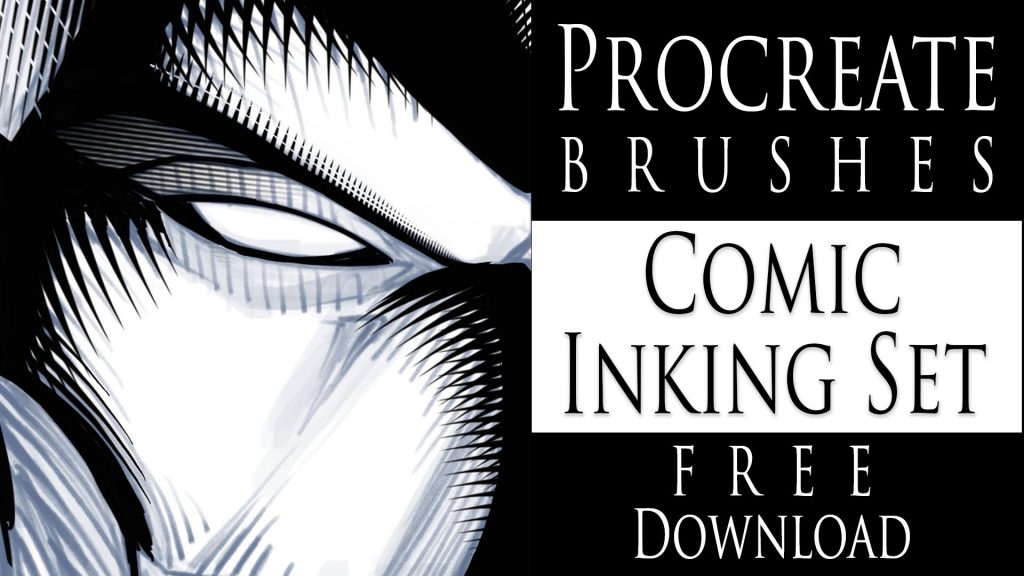
Procreate Brushes – Comic Inking Set – Free Download

Procreate Brushes - Comic Style Shading - Free Download
Procreate Brushes – Comic Style Shading – Free Download

Hello Everyone!

I am excited to share some new brushes with you today! I have been playing around with some comic style inking brushes for the app Procreate.  I was able to come up with a few cross-hatching brushes that I think you might find helpful within your work.

I’ve noticed that a lot of artists struggle to get good effects with their cross-hatching. Almost to the point where they decide not to do much of it. This is where these brushes can help. They are designed to make that part much easier to accomplish. Keep in mind this shouldn’t deter you from drawing out your own, only to aid you in getting better at the process. These brushes look much better if they are correctly mixed with hand drawn shading.  They also help to save time in certain areas of the work. Deadlines have to be met at any cost, right!

I have been using Procreate for a few years now and I really enjoy the brush creation process in this app. It is easy to do and the brush settings are extremely versatile. I will be making more of these brushes to add to this pack. There are all sorts of neat things to create for comics. Background textures, brick patterns, various brush tips, and so on.

NEW PROCREATE BRUSHES ADDED TO THIS SET!

UPDATED! Just to let you know I added 16 NEW custom Procreate brushes to this set on 5-11-2021.  They included some more cross hatching brushes, background texture effects, and a couple of quick clip art brushes.  I have more ideas to create so be sure to check back often!

If you want these brushes head over to my Gumroad and get them here – https://gum.co/JYdba  

This is a Pay What You Want item! So if you want them for FREE just type 0 during checkout and they are yours. You will also get any updates to this pack for free as well.

__________________________________________________________________

If you want to learn How to Create Digital Art with Procreate please check out my full course here. This is my discount code – View here

Procreate Like a Pro: Create Awesome Digital Art on an iPad

In this course, I explain all the tools and features within Procreate. You also learn my process on using this app to create my digital art everyday. I now create 90% of all my illustration work with my iPad Pro and Procreate!

Thanks for stopping by and let me know if you have any questions for me. Feel free to email me through my contact form.

Yours Truly,

-Rob