
Tag Archives: learn to paint

Introduction to Digital Painting in Photoshop – Beginner’s Guide

Introduction to Digital Painting in Photoshop - Beginner's Guide
Introduction to Digital Painting in Photoshop – Beginner’s Guide

Introduction to Digital Painting in Photoshop – Beginner’s Guide

Hello Digital Artists!

I have just released a new course, “Introduction to Digital Painting in Photoshop!”  Very excited to be bringing you this course and I hope you learn a ton of great techniques to add to your skill set.  Currently, this course sits at 33 Lectures and a Runtime of 3hrs 55 Minutes.  ( You also get the Art Files + over 50 Custom Brushes to work with. )

In this course, you will learn all the basic tools and how I use them to create professional looking digital art in Photoshop.  This course is designed to get you up and running with digital painting in Photoshop quickly and effectively.  Without all the confusion and complex jargon.  Photoshop is a massive program with tons of options and can quickly become a hindrance if it isn’t explained properly.  I teach this course is an easy to understand way!

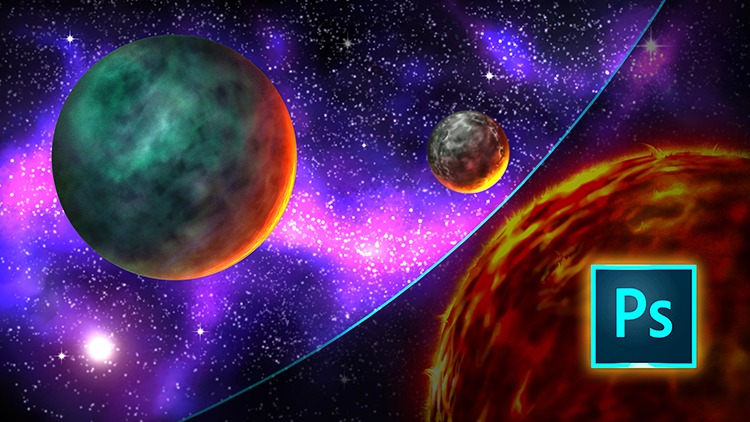
After covering all the basic tools and shortcut commands we jump into a scene creation.  You will learn to illustrate this Space Scene from scratch.  You will learn how to create this scene with a very simple approach.  This way you can focus on being able to paint without learning all the complexities that Photoshop has to offer.  This course is designed for the beginner to the intermediate digital artist in mind!

As with any of my courses, if you feel this content needs an additional lecture or two I am happy to help.  Just message me and I will improve the course as soon as possible.  Also, feel free to leave your honest review of this course so others will know what to expect!

( Lifetime access + 30 Day Money Back Guarantee ) 

Thank you for everything you do and more lessons are on the way very soon!

Robert A. Marzullo

Ram Studios Comics
Digital Painting in Manga Studio 5 – Character Design

Digital Painting in Manga Studio 5 – Character Design

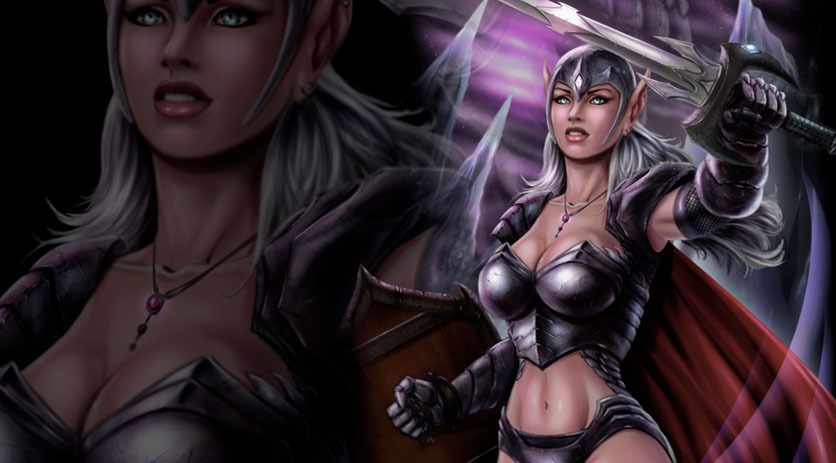
In this Course you will learn How to Create a Fantasy Art Character from the rough sketch all the way to the finished paint work. We start with the drawing process and I explain how to make changes to the concept and not get too worried about everything being perfect in the beginning. There are lots of ways to edit the work and keep pressing forward within Manga Studio 5 / Clip Studio Paint.

We will then cover how to lay in the base paint work and use that to create and save our selections. You will learn how to use the layers to aid in your painting process, as well as how to work in a non-destructive approach.

Once the foundational information is in place we will begin to apply our digital painting effects with a variety of brushes. ( You will get access to all the brushes I use in this Course. )

You will also learn how to create and apply a texture effect for the chain mail on the characters armor. We will be using the “Distort” and “Mesh Transformation” features to accomplish this.

Through this course you will learn how to use : Layers and Groups, Combine Modes ( Blending Modes ), Custom Brushes, Hard and Soft Edge Shadows, Layer Masks, Quick Masks, Blending Brushes, Tonal Correction, Mirrored Windows, as well as General Drawing and Painting Techniques.

This course is 9 Hours and 17 Minutes total run time. 35 Individual Lessons.

You get the Layered Art Files and the Custom Brushes to work along with.

I am here if you have any questions or feedback for me to make this a better Course for everyone. So please feel free to let me know!

I hope you find this content to be extremely informative and good luck with your ART! 😉

Get Lifetime Access to the course through my Gumroad here –

https://gum.co/cpHjA

Sincerely,

Robert A. Marzullo

Ram Studios Comics