Hello Everyone!
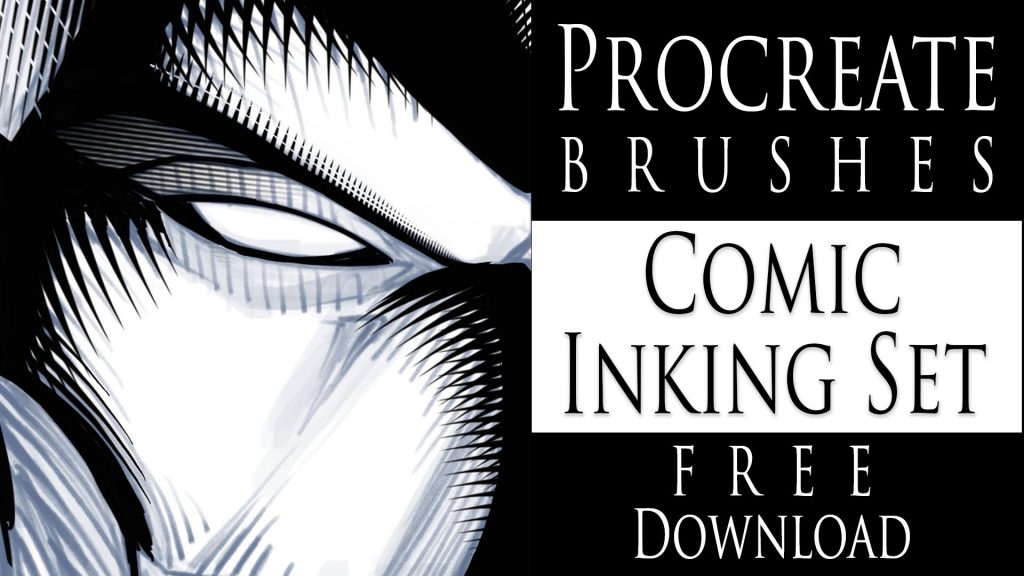
I am excited to share some new brushes with you today! I have been playing around with some comic style inking brushes for the app Procreate. I was able to come up with a few cross-hatching brushes that I think you might find helpful within your work.
I’ve noticed that a lot of artists struggle to get good effects with their cross-hatching. Almost to the point where they decide not to do much of it. This is where these brushes can help. They are designed to make that part much easier to accomplish. Keep in mind this shouldn’t deter you from drawing out your own, only to aid you in getting better at the process. These brushes look much better if they are correctly mixed with hand drawn shading. They also help to save time in certain areas of the work. Deadlines have to be met at any cost, right!
I have been using Procreate for a few years now and I really enjoy the brush creation process in this app. It is easy to do and the brush settings are extremely versatile. I will be making more of these brushes to add to this pack. There are all sorts of neat things to create for comics. Background textures, brick patterns, various brush tips, and so on.
NEW PROCREATE BRUSHES ADDED TO THIS SET!
UPDATED! Just to let you know I added 16 NEW custom Procreate brushes to this set on 5-11-2021. They included some more cross hatching brushes, background texture effects, and a couple of quick clip art brushes. I have more ideas to create so be sure to check back often!
If you want these brushes head over to my Gumroad and get them here – https://gum.co/JYdba
This is a Pay What You Want item! So if you want them for FREE just type 0 during checkout and they are yours. You will also get any updates to this pack for free as well.
__________________________________________________________________
If you want to learn How to Create Digital Art with Procreate please check out my full course here. This is my discount code – View here
In this course, I explain all the tools and features within Procreate. You also learn my process on using this app to create my digital art everyday. I now create 90% of all my illustration work with my iPad Pro and Procreate!
Thanks for stopping by and let me know if you have any questions for me. Feel free to email me through my contact form.
Yours Truly,
-Rob