Tag Archives: clip studio paint

Digital art for Beginners – unleash your creativity

Digital Art for Beginners

Hello Artists!

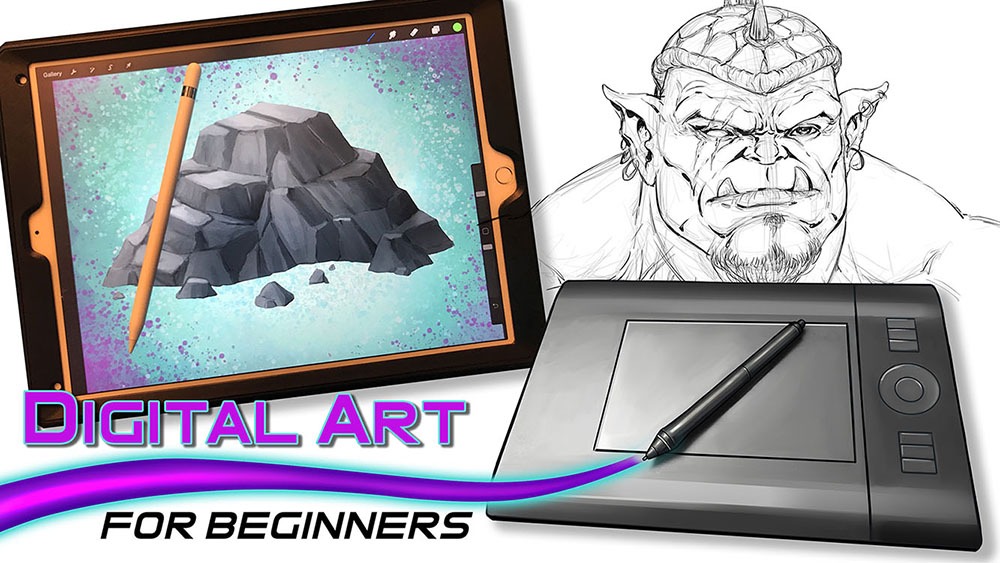
I have just released my course, “Digital Art for Beginners.” This is something I have been working on for some time. If you follow my work then you already know most of everything I create these days is done with digital tools and programs. I have been working with digital software for over 20 years and drawing tablets for over a decade. So I felt it was time to share everything that I know about Digital Art production.

This course is designed to help you break into the world of Digital Art by giving you the information that I had to search for or learn by trial and error. It is my goal to save you time and alleviate any frustration you might incur while making the jump.

Learning to create with Digital Art Tools can seem frustrating at first but you have to realize that there are so many neat ways to edit your work that you can still be productive while developing your skills. The main thing is to keep an open mind and keep creating!

In this course you will learn about some of my favorite art programs that I have used for many years to create my style of art. We will cover Sketchbook Pro, Clip Studio Paint, the Procreate app, Adobe Photoshop, and Krita. You will learn about the tools that each of them have adopted from one another over the years as well as the ones that make them unique.

In the next section of this course we will cover 3 types of drawing devices. The Wacom Intuos 4 Medium Tablet, the Wacom Cintiq 22HD, and the iPad Pro 12.9 / Apple Pencil. This will give you a good range of what is available to you as a Digital Artist.

Then we will jump into using these tools to produce 2 different art projects. This will allow you to see how I use these to create my Digital Art on a daily basis. I will explain my Drawing and Painting process and how I use the tools to make edits. The main focus here is to get you to feel more comfortable with these tools. Many artists experience a feeling of disconnect and that is entirely natural when trying something new. You will overcome it with patience and practice. I assure you and I am speaking from experience!

Watch the Introduction Video to this Course here –

I am here to help you. If you take this course and have any questions please send me an email through my website form. I will help you as quickly as possible. If you have any ideas for new lessons that will make this a better learning experience for everyone, then I will be more than happy to add them to this course!

This course is currently 4 Hours long + Art Files and Brushes

Get Lifetime assess to this course here on my Gumroad – https://gum.co/eAnSS

or Watch it here on Skillshare –

https://skl.sh/2Ik1PnV

Thank you for considering my content and good luck with your Digital Art! 🙂

-Robert
Custom Brushes by RAM – Clip Studio Paint / Manga Studio 5

Are you a fan of custom brushes for Clip Studio Paint? I know I am! They save a ton of time and can really open up some new ideas when utilizing them. If nothing else, they are just plain fun to use!

I have been creating brushes for years now. I started in Photoshop about 15 years ago but quickly feel in love with Clip Studio Paint’s brush engine. It is the absolute best on the market so far. Not only does it have a supperior use and control of the “Ribbon Effect” it also supports full color brushes. As well as controling the two primary colors with the Foreground and Background swatches. Super effective in my opinion!

I have two primary sets for Clip Studio Paint / Manga Studio 5. They are the “RAM – Manga Studio 5 / Clip Studio Paint – Inking Set” and “Clip Studio Paint – Manga Studio 5 – Digital Painting Brush Pack.” I started by creating Inking Brushes for Comics. Then I realized that I could create all sorts of time saving effects. Brick patters, cross-hatching, hair and fur, power effects, and the list goes on.

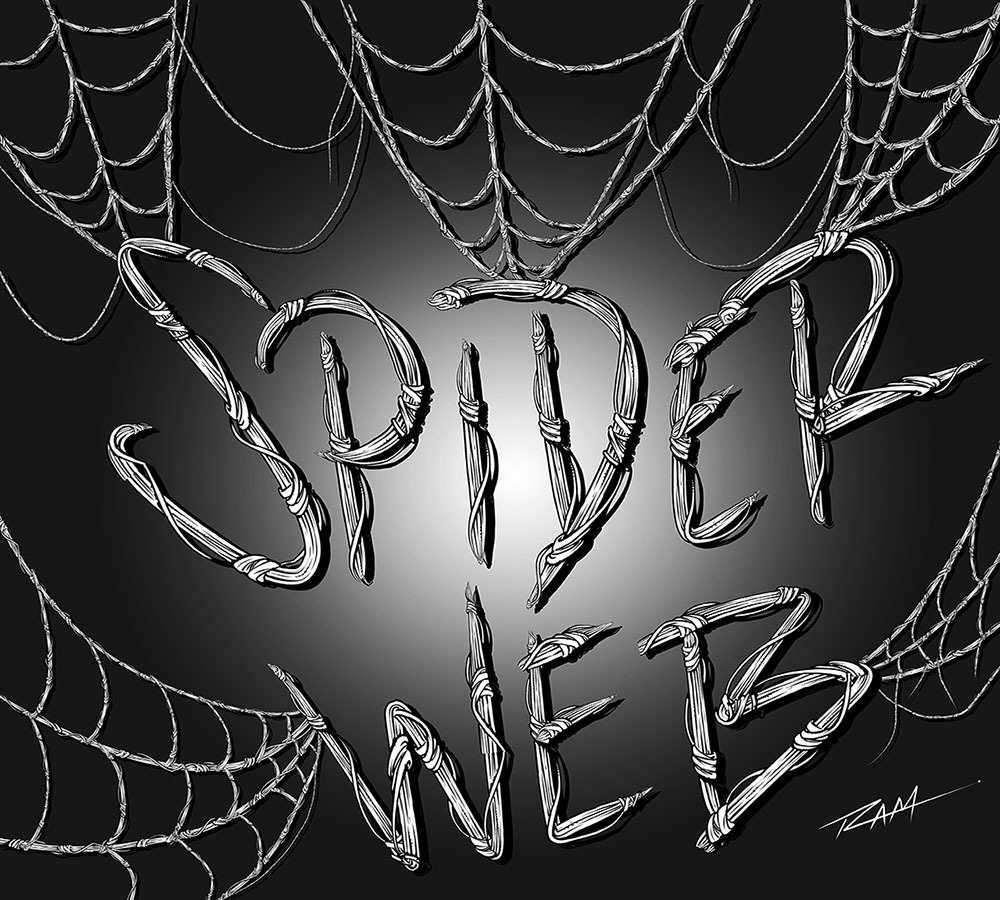
The new brushes that I just added are focused on repetitive patterns or “Ribbon Effects”. Things like Chain Links but with a comic style line art applied to them. Or my latest brush… Spider-Webs! I draw Spider-man a lot so with will save me years of webbing! 🙂

Spider-Web Brush by RAM

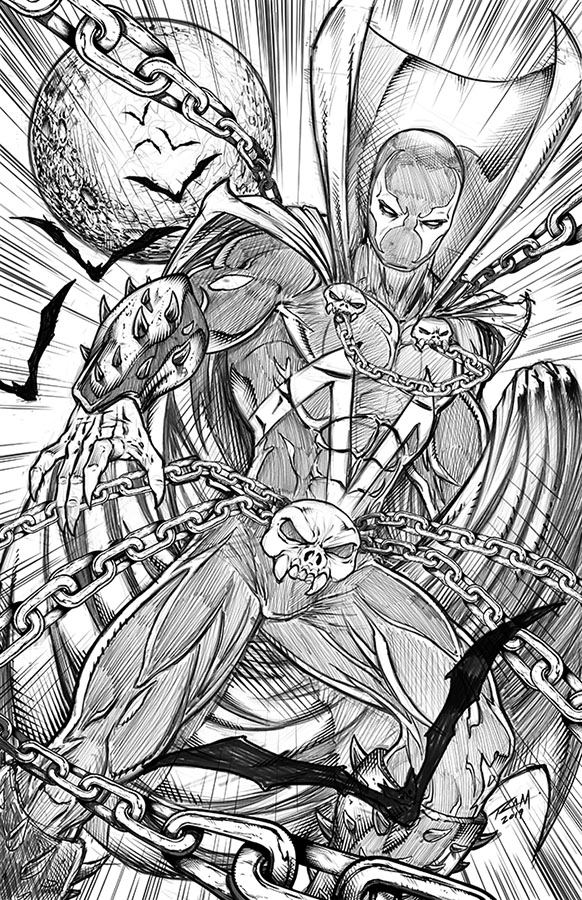
Here is an image of Spawn that I drew in the Procreate app and then added my custom Chains Brush in Clip Studio Paint.

Spawn Comic Art by Robert A. Marzullo ( Character is Property of Todd McFarlane. )

So hopefully you can see how these brushes can be very useful as well as huge time savers. This is just how I use them so feel free to experient with your own creative illustrations!

Get the Inking Set here – https://gum.co/gGIye

or

Get the Painting Set here – https://gum.co/TQPbf

Both include the new brushes and more Comic Art Style brushes will be added as soon as I create them. Feel free to let me know which brushes you need and I would love to see the art you create with them!

Thanks for stopping by and best of luck with your art journey!

Robert A. Marzullo Ram Studios Comics

My Udemy Art Courses – Discount Offer Codes

Udemy Art Courses - Discount Codes
Udemy Art Courses – Discount Codes

I currently have 10  Courses available on Udemy. I have received some amazing reviews and the platform is very well done. If you are not happy with the content and my teaching style you have 30 Days to refund your course. I only want you to pay if you are extremely satisfied with my efforts! I am here to answer any questions you have so don’t hesitate to ask.

Here are my discount codes to get any of these courses at $10.99 with lifetime access on any device  – 

How to Draw Dynamic Comic Book Superheroes – Start to Finish

https://www.udemy.com/how-to-draw-dynamic-comic-book-superheroes-start-to-finish/?couponCode=MYUDEMYSTUDENDTS101

How to Draw Heads – Step by Step – From Any Angle –https://www.udemy.com/how-to-draw-heads-step-by-step-from-any-angle/?couponCode=RAMSTUDIOSCOMICSCODE

How to Improve Your Creature Design Drawings – Step by Step – https://www.udemy.com/how-to-improve-your-creature-design-drawings-step-by-step/?couponCode=RAMSTUDIOSCOMICSCODE

Digital Painting Amazing Fantasy Art in Manga Studio 5 – https://www.udemy.com/digitally-painting-amazing-fantasy-art-in-manga-studio-5/?couponCode=RAMSTUDIOSCOMICSCODE

Digital Painting in Manga Studio 5 – Character Design – https://www.udemy.com/digital-painting-in-manga-studio-5-character-design/?couponCode=RAMSTUDIOSCOMICSCODE

Digital Painting in Photoshop – Create Amazing Concept Art – https://www.udemy.com/digital-painting-in-photoshop-create-amazing-concept-art/?couponCode=RAMSTUDIOSCOMICSCODE

How to Improve Your Figure Drawing – Step by Step – https://www.udemy.com/how-to-improve-your-figure-drawing-step-by-step/?couponCode=RAMSTUDIOSCOMICSCODE

Digital Painting in Manga Studio 5 – Working in Perspective – https://www.udemy.com/digital-painting-in-manga-studio-5-working-in-perspective/?couponCode=RAMSTUDIOSCOMICSCODE

How to Draw Comic Book Faces in Sketchbook Pro – https://www.udemy.com/creating-comic-book-faces-in-sketchbook-pro-8/?couponCode=RAMSTUDIOSCOMICSCODE

Procreate Like a Pro: Create Awesome Digital Art on an iPad –https://www.udemy.com/procreate-like-a-pro-create-awesome-digital-art-on-an-ipad/?couponCode=RAMSTDIOSCOMICS101

Thank you for showing interest in my content and good luck with your art studies!

Robert A. Marzullo

Ram Studios Comics

Digital Painting in Manga Studio 5 – Character Design

Digital Painting in Manga Studio 5 – Character Design

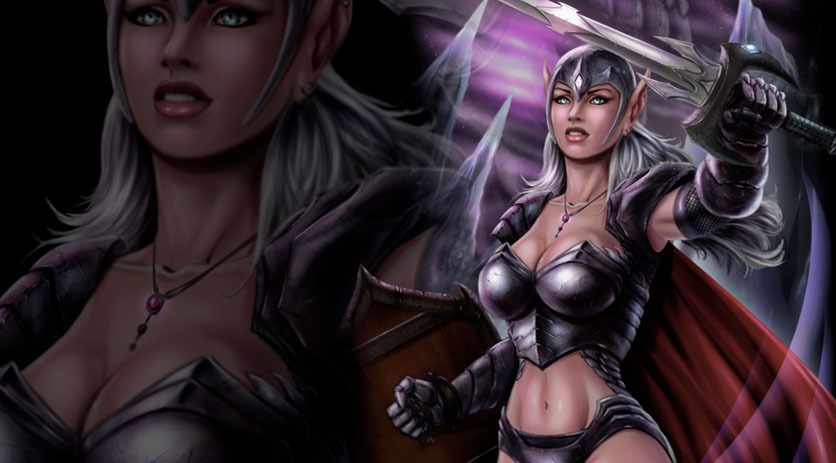
In this Course you will learn How to Create a Fantasy Art Character from the rough sketch all the way to the finished paint work. We start with the drawing process and I explain how to make changes to the concept and not get too worried about everything being perfect in the beginning. There are lots of ways to edit the work and keep pressing forward within Manga Studio 5 / Clip Studio Paint.

We will then cover how to lay in the base paint work and use that to create and save our selections. You will learn how to use the layers to aid in your painting process, as well as how to work in a non-destructive approach.

Once the foundational information is in place we will begin to apply our digital painting effects with a variety of brushes. ( You will get access to all the brushes I use in this Course. )

You will also learn how to create and apply a texture effect for the chain mail on the characters armor. We will be using the “Distort” and “Mesh Transformation” features to accomplish this.

Through this course you will learn how to use : Layers and Groups, Combine Modes ( Blending Modes ), Custom Brushes, Hard and Soft Edge Shadows, Layer Masks, Quick Masks, Blending Brushes, Tonal Correction, Mirrored Windows, as well as General Drawing and Painting Techniques.

This course is 9 Hours and 17 Minutes total run time. 35 Individual Lessons.

You get the Layered Art Files and the Custom Brushes to work along with.

I am here if you have any questions or feedback for me to make this a better Course for everyone. So please feel free to let me know!

I hope you find this content to be extremely informative and good luck with your ART! 😉

Get Lifetime Access to the course through my Gumroad here –

https://gum.co/cpHjA

Sincerely,

Robert A. Marzullo

Ram Studios Comics