Tag Archives: class

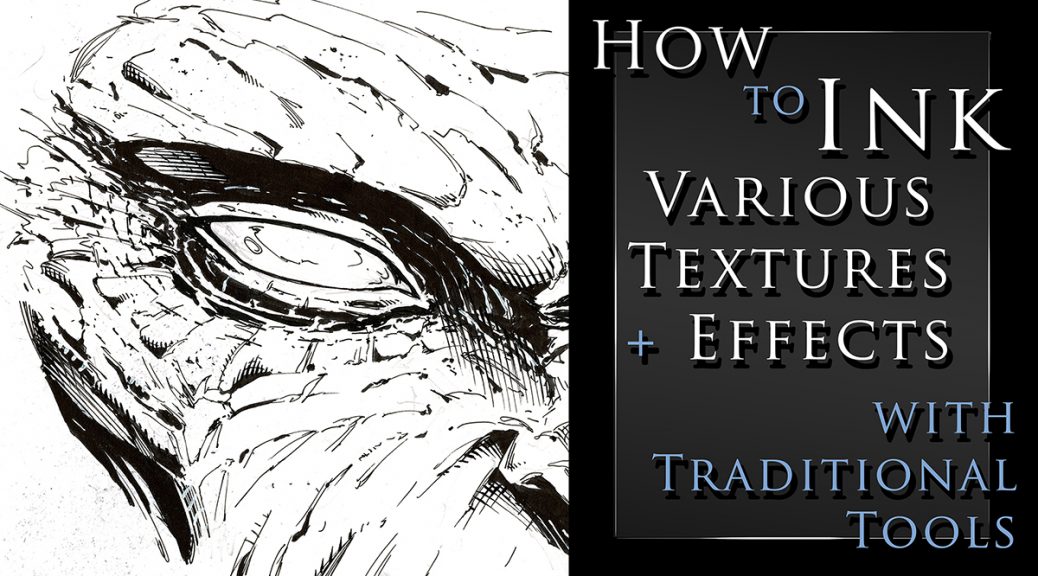
How to Ink Various Textures and Effects with Traditional Tools

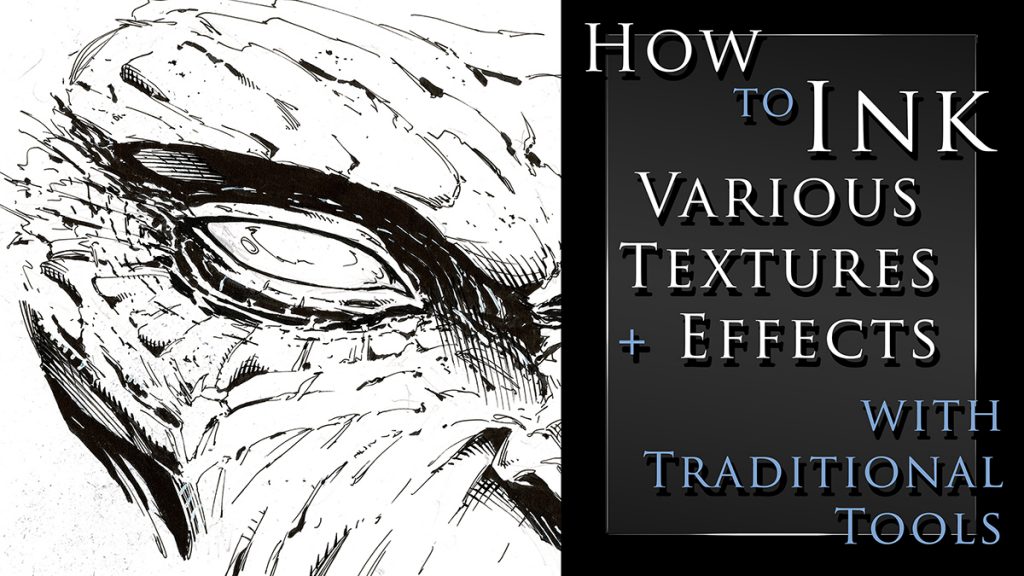
How to Ink Various Textures and Effects with Traditional Art Tools

I just created a new class on Traditional Inking Techniques. You can get it on my Gumroad or watch it on Skillshare with the links below.

In this class I will show you my methods for drawing and inking various textures with traditional tools.  You will learn about line weight, textures, cross hatching, and making corrections as you work.

This class currently include 3 project files and the run time is at just over an hour.  The first project is drawing and inking a monstrous face.  Here we will go over the benefits or random textures and effects.  Sometimes you just have to let the pen go and see what happens!
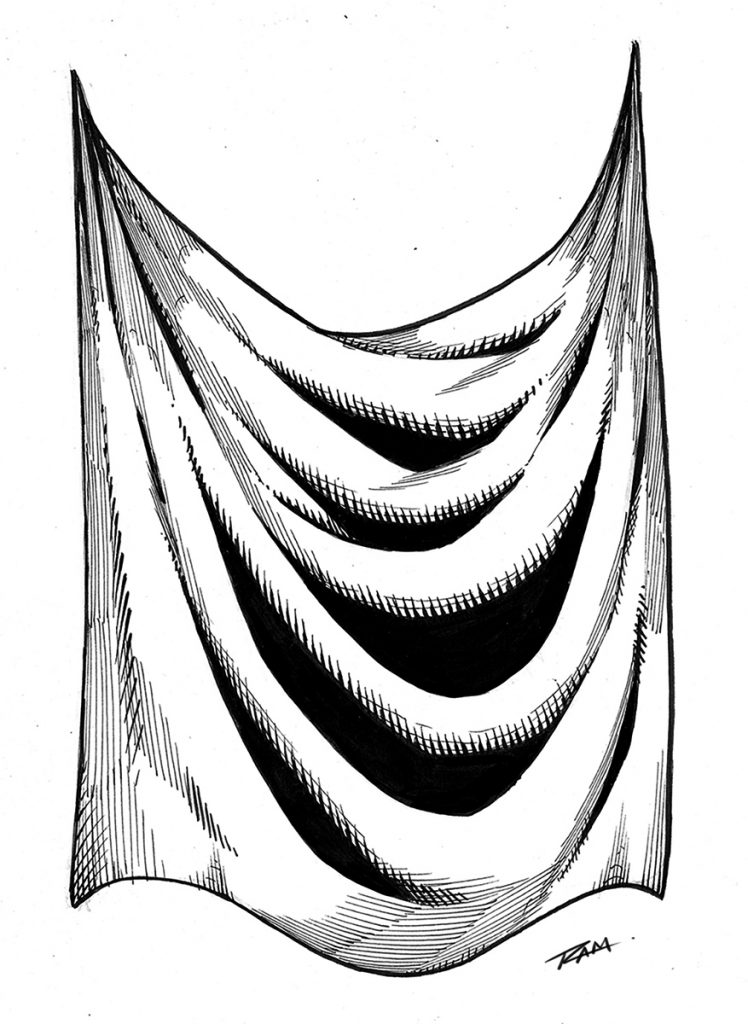
Cross hatching - Drapery

For the next project you will draw and ink a fantasy art sword.  This will allow us to work on something with more structure and talk about clean lines.  This is also a good opportunity to render some chrome like effects.

For the third project we will draw and ink some drapery.  This is something we need to practice a lot and it will relate to clothing and a variety of other materials.  This one is a time lapse with narrated since many of the concepts will be redundant.

You get all the art files to study and work along with.  I will be adding more examples very soon but let me know if there is something you would like to see covered in future lessons.

Tools that we will be using in this class – 

  • Strathmore 200 Series Bristol Board Smooth
  • Micron Pens – 01, 05
  • Tombow Dual Brush Pen – N15
  • Zebra Pen WFSS4 150
  • Presto Jumbo Correction Pen ( White Out )
  • Pentel Brush Pen Fine Point
  • Staedtler 2mm Lead Holder – 2H lead

Thank you for your continued support and good luck with your studies!

Watch it here on Skillshare – https://skl.sh/3nXut1i

Get the class here on my Gumroad – https://gumroad.com/l/OgsQC/ramstudioscomicssite777

Robert A. Marzullo

Ram Studios Comics
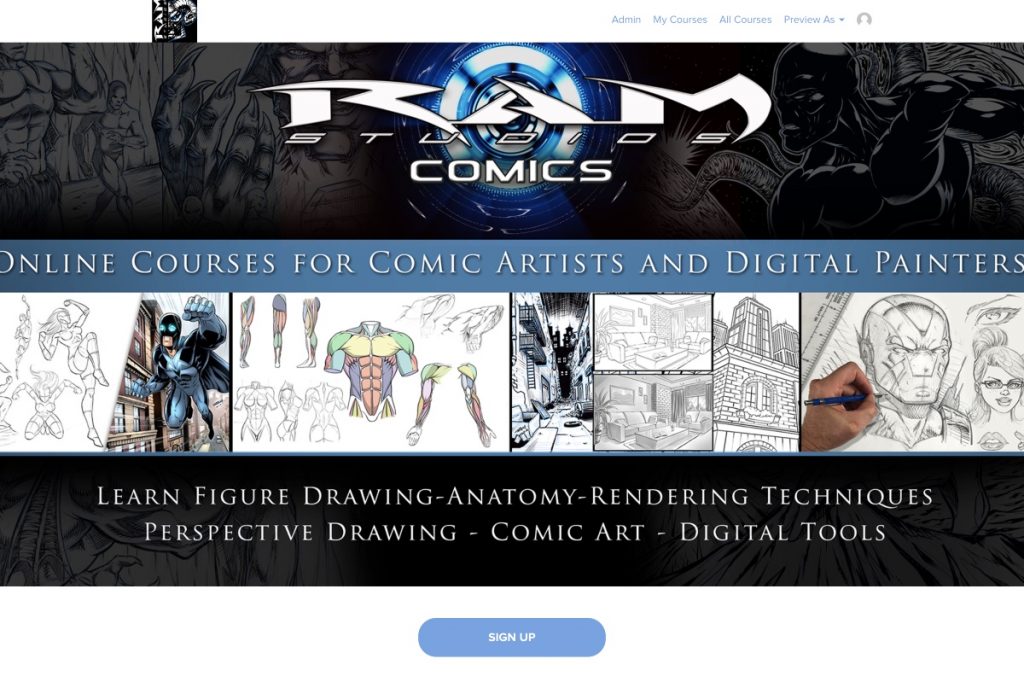
Ram Studios Comics ART SCHOOL Online

Welcome to Ram Studios Comics Art School Online!

Happy to announce that I will be hosting my courses here now https://ram-studios-comics-art-school.teachable.com
Not to worry if you are a student on the other platforms, I will still be taking care of you and adding new content. This new site will allow me to address certain needs that have come up time and time again.

For those of you that are new here, my name is Robert A. Marzullo and I have been creating online courses for over 7 years now and it has been an amazing journey. I have been able to help over 120,000 students from all over the world. I get to see their progress and offer feedback or encouragement where I can. I am extremely grateful to be doing this for a living.

I have been primarily using Udemy, Skillshare, and Gumroad to host my content. They are all great but they all have some major flaws as well. With Udemy and Skillshare I have to be careful how I communicate with the student. I cannot direct them off site for one. That can be a problem when I need to help the student but afraid to get a strike from the platform. Skillshare is pretty great overall but I can’t currently respond to students with any draw overs. Those are really helpful to show someone exactly what I mean in a response to their question.

What will I learn?

The main things you can expect to learn from this site are figure drawing, comic art, benefits of digital art programs and how to use them, traditional art techniques, creature design, and character design. I also want to help artists realize their potential at achieving success. It amazes me that so many talented people fail to achieve their goals when they have so many awesome opportunities these days.

The primary Art applications I use and teach are Clip Studio Paint, Procreate, Photoshop, and Sketchbook Pro.

Here are some of the great features of the new site –

  1. Better lesson structure with comments + images attached to each lesson.
  2. Live-streaming options to be help students and offer mentor ship programs.
  3. More control for me to communicate with you properly without worrying.
  4. Specifically designed and focused on art education.
  5. Better overall student experience.

I will be uploading all my courses here in the next few days. I already have a couple of my most popular courses on there. Be sure to sign up for updates if you are interested in knowing more.

This should be a huge help for everyone involved. Feel free to give me any feedback you have or let me know if have any questions.

Thank you for your continued support and good luck with your art!

-Robert

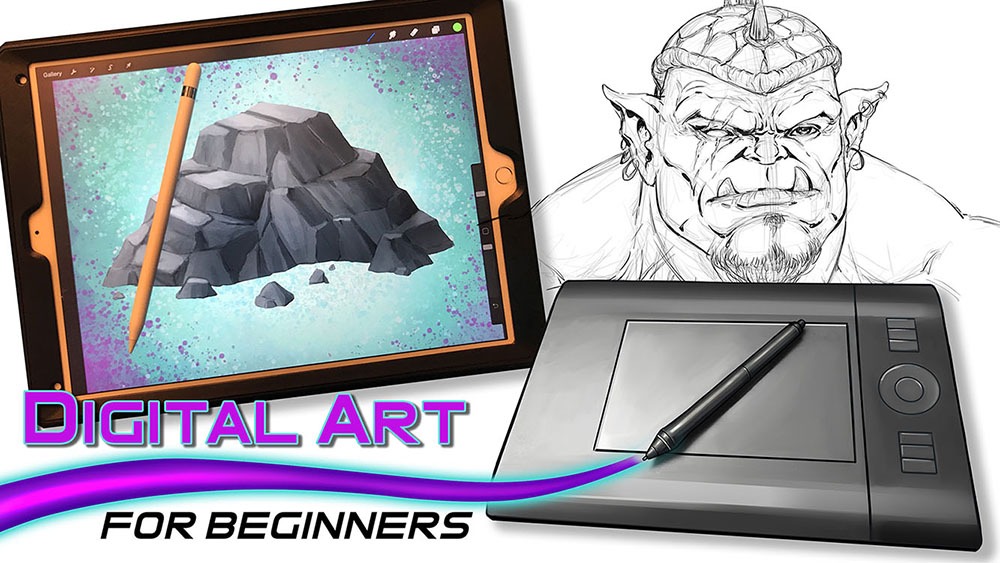
Digital art for Beginners – unleash your creativity

Digital Art for Beginners

Hello Artists!

I have just released my course, “Digital Art for Beginners.” This is something I have been working on for some time. If you follow my work then you already know most of everything I create these days is done with digital tools and programs. I have been working with digital software for over 20 years and drawing tablets for over a decade. So I felt it was time to share everything that I know about Digital Art production.

This course is designed to help you break into the world of Digital Art by giving you the information that I had to search for or learn by trial and error. It is my goal to save you time and alleviate any frustration you might incur while making the jump.

Learning to create with Digital Art Tools can seem frustrating at first but you have to realize that there are so many neat ways to edit your work that you can still be productive while developing your skills. The main thing is to keep an open mind and keep creating!

In this course you will learn about some of my favorite art programs that I have used for many years to create my style of art. We will cover Sketchbook Pro, Clip Studio Paint, the Procreate app, Adobe Photoshop, and Krita. You will learn about the tools that each of them have adopted from one another over the years as well as the ones that make them unique.

In the next section of this course we will cover 3 types of drawing devices. The Wacom Intuos 4 Medium Tablet, the Wacom Cintiq 22HD, and the iPad Pro 12.9 / Apple Pencil. This will give you a good range of what is available to you as a Digital Artist.

Then we will jump into using these tools to produce 2 different art projects. This will allow you to see how I use these to create my Digital Art on a daily basis. I will explain my Drawing and Painting process and how I use the tools to make edits. The main focus here is to get you to feel more comfortable with these tools. Many artists experience a feeling of disconnect and that is entirely natural when trying something new. You will overcome it with patience and practice. I assure you and I am speaking from experience!

Watch the Introduction Video to this Course here –

I am here to help you. If you take this course and have any questions please send me an email through my website form. I will help you as quickly as possible. If you have any ideas for new lessons that will make this a better learning experience for everyone, then I will be more than happy to add them to this course!

This course is currently 4 Hours long + Art Files and Brushes

Get Lifetime assess to this course here on my Gumroad – https://gum.co/eAnSS

or Watch it here on Skillshare –

https://skl.sh/2Ik1PnV

Thank you for considering my content and good luck with your Digital Art! 🙂

-Robert

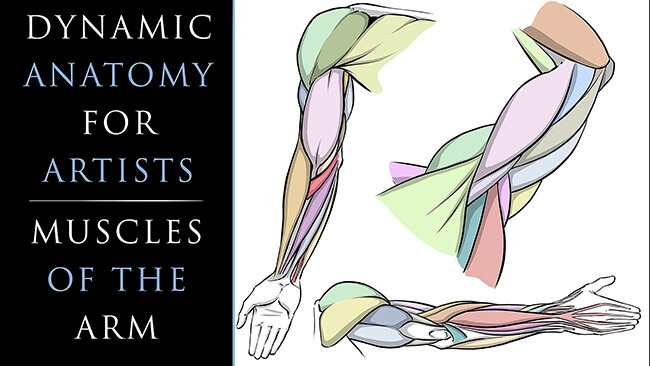
Dynamic Anatomy for Artists – Drawing the Muscles of the Arm

As artists and especially as comic artists we have to have a good understanding of human anatomy. It is not an easy task but it is definitely worth the effort. You can immediately tell when an artist spends time doing their studies of the human body. From gesture and figure drawing to countless illustrations of the complex muscles and their relationships, nothing about it is simple but it truly transforms your art into something to be desired.

I avoided these studies for far too long in my own career. Even after hearing criticism from professional artists and editors that I admired. We have all been there or will hear it at some point, “You need to work on your anatomy! It is never fun to hear a comment like that but it is the cold hard truth. If you want to be a great character artist, you need to study anatomy.

So let’s stop avoiding what we know we need to learn. I created these lessons to help simplify the anatomy and make the drawing process easier to accomplish. In this first class we will focus upon the Arm Anatomy. Here is the class introduction to let you know what you can expect to gain from it –

Welcome to my class, “Dynamic Anatomy for Artists – Drawing the Muscles of Arm.”

Dynamic Anatomy of the Arm for Artists

I am extremely excited to bring you these lessons on drawing the muscles.  Learning anatomy isn’t easy but it will vastly improve your ability to draw impressive character designs and comic book superheroes.

What You Will Learn in This Class – 

  • How to Draw the Muscles
  • Basic Terminology
  • Visual Patterns
  • Form + Volume
  • Stylizing the Work
  • Efficient Ways to Improve

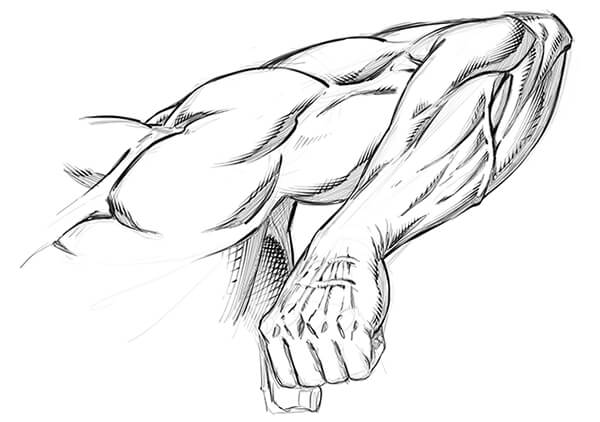
This class is designed to simplify the process of drawing the arm anatomy.  I will teach you the basic forms that I use to draw the arm from memory and you will get access to all the art files to study along with.  Including diagrams with all the terminology.

Don’t beat yourself up though!  Just try to improve a little each day and commit a muscle or two to memory here and there.  Consistency is the most effective way to improve in my opinion.  Rome wasn’t built in a day, right?! 😉

Dynamic Arm Anatomy Drawing

After you work through the anatomy breakdowns I will show you how to implement this into a few examples. We will work on these to help you transition your new skills into your own stylized version.

Signup for this class here on Skillshare – https://skl.sh/2REAuCA

or

Get the Lessons Here on Gumroad – https://gum.co/pXUkR

I am here if you have any questions and remember you can send your artwork for me to review by using my contact form here on the website. You can also submit your artwork as a project file on Skillshare as well. Next we will be covering Leg Anatomy so I hope you will join me for that class as well! 🙂

Sincerely,

Robert A. Marzullo

Ram Studios Comics
www.staging.ramstudioscomics.com


Drawing Amazing Backgrounds with Perspective – Step by Step

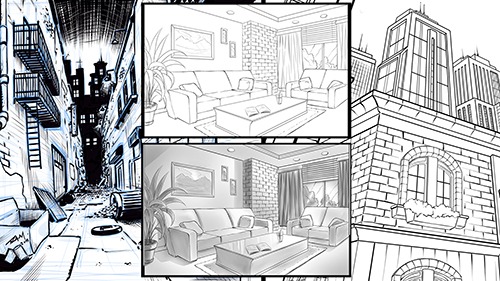
Welcome to my next online Course, “Drawing Amazing Backgrounds with Perspective – Step by Step.”  This course will teach you how to use 1, 2, and 3 Point Perspective to create interesting and imaginative backgrounds.  You will work with me as we draw an illustration for each example.   This will allow you to learn not only how to use these powerful techniques but also how to create environments from imagination.  

Drawing Amazing Backgrounds with Perspective

You will learn a variety of techniques to create shapes with dimension through these lessons.  Such as cubes, pyramids, archways, and angles.  By the end of this course, you will have a better understanding of how to draw rooms, buildings, brick walls, windows, furniture, and all with Linear Perspective!

Things we will be Focusing on in this Course

  • Creative Design Thinking
  • Expressive Line Making
  • Depth + Scale within Our Scenes
  • Mapping Out Space in Perspective
  • Adding Values for Portfolio or Client Work
  • Correcting Flaws within the Work

This course is designed to teach you how to draw detailed backgrounds step by step.  You will be drawing an alleyway with one-point perspective, an interior room with two point-perspective, and a view looking up at various buildings using three-point perspective.  These will each be created with a different style to give you the most versatile experience possible.  It is important that you not only learn how to draw with perspective but also how to create a variety of styles with these techniques.  I want my students to be able to relate this information to comics, storyboards, and animation.  If you learn to be versatile as an illustrator you have a much greater chance of success.  This is what I have experienced in my career and I want to share that with you!  Drawing background with Linear Perspective is an extremely important asset to have as an artist.  So let’s get started right now and put Perspective Art in your toolbox!

Get Lifetime access to this Full 7 Hour Course here for $10 – https://gum.co/KzRWK

I am here if you have any questions and I value your feedback!

-Robert 

How to Draw Comic Style Heads – Step by Step – From Any Angle

How to Draw Comic Style Heads From Any Angle
How to Draw Comic Style Heads From Any Angle by Robert A. Marzullo

How to Draw Comic Style Heads – Step by Step – From Any Angle

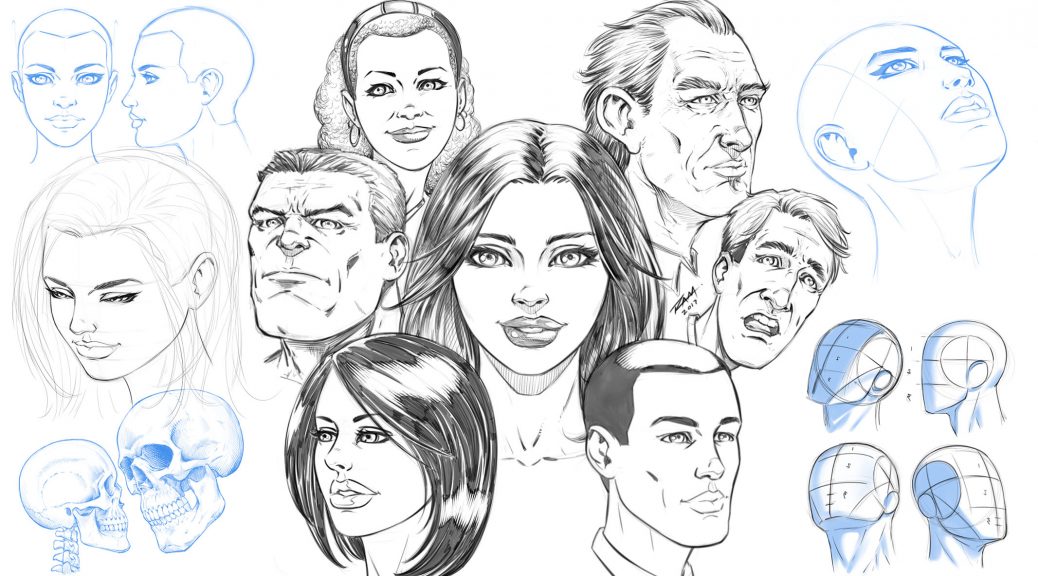
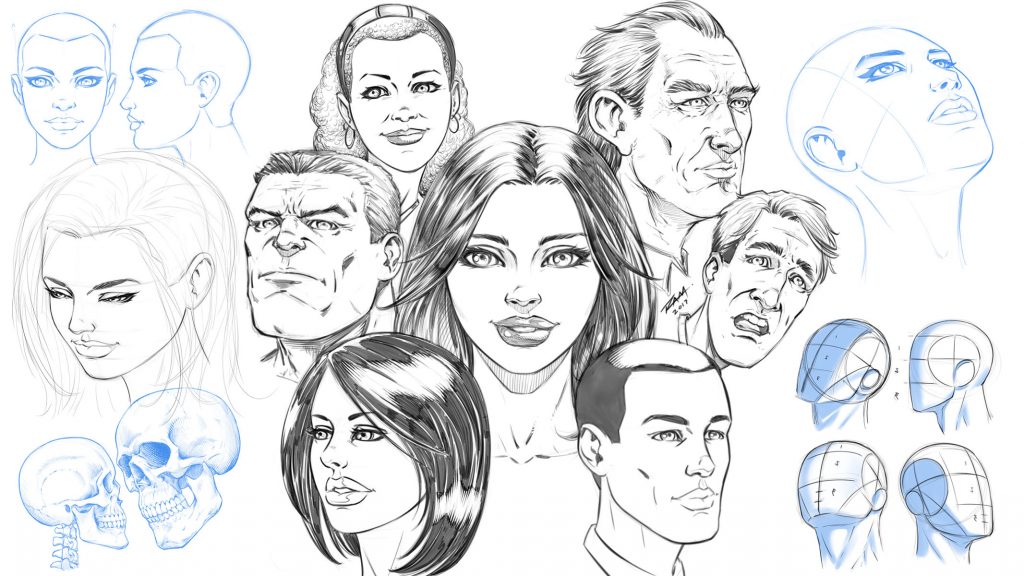
In this Course you will learn how to draw heads from a variety of angles and different styles. You will learn how to break down the head into thirds with the “Adrew Loomis” method. This will make turning the head on the page much easier to accomplish. You will also learn techniques for mapping out the facial features of your character. We cover front, side, upward angle, downward angle, with both male and female faces.

You will also learn how to draw the heads of your characters with a less structured approach. This comes with practice but it can be very fun and expressive to do.

This course is 25 Lectures and the Run Time is 4hrs 14min.
You get all the Art Files in a single PDF Document at 300dpi to work along with.

NOTE – In this how to draw comics style heads course I reference other lessons that are available on my Gumroad or Skillshare. I talk about the lessons that teach you about drawing eyes, noses, mouths, etc. They are not part of this course but may help you if you need work on those specific areas.

Next the Project File!!

I would love your feedback on these how to draw lessons and I would also like to see your work! Complete the project file that I talk about in the Promo Video. Feel free to message me through Gumroad or Tag me in a post using Twitter or Instagram.
Instagram – @robert_marzullo
Twitter – @RobertMarzullo

Watch the Promo Video here – https://youtu.be/aS_JcZNpmVQ

Check out the full course here –

https://ram-studios-comics-art-school.teachable.com/p/how-to-draw-heads-step-by-step-from-any-angle/?product_id=2447770&coupon_code=RAMSTUDIOSCOMICS777

I hope you find this course to be helpful and good luck with your studies! 🙂

Sincerely,

Robert A. Marzullo
Ram Studios Comics
www.staging.ramstudioscomics.com

How to Draw Comic Style Eyes – Step by Step on Skillshare

How to Draw Comic Style Eyes

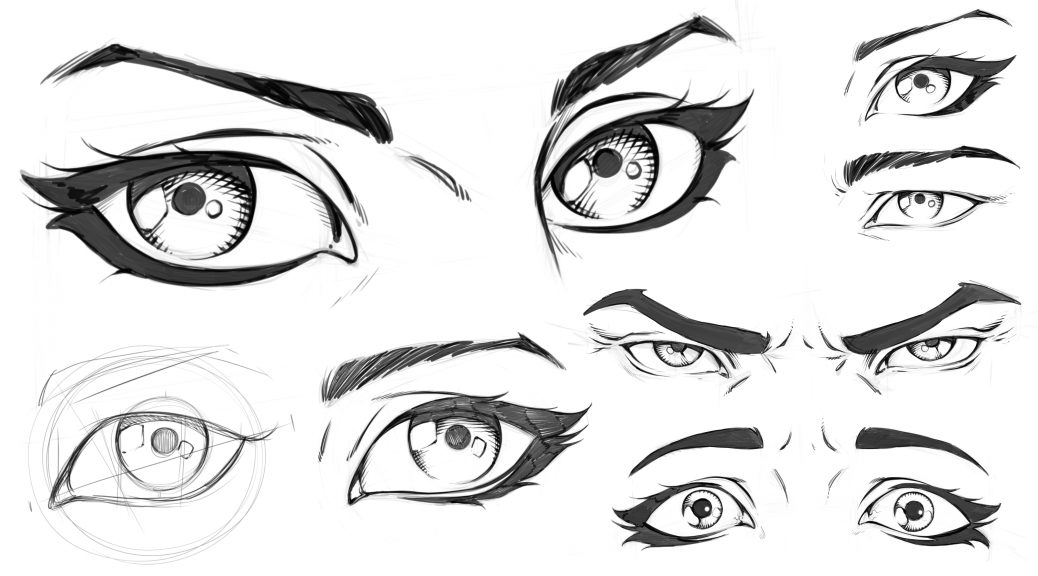
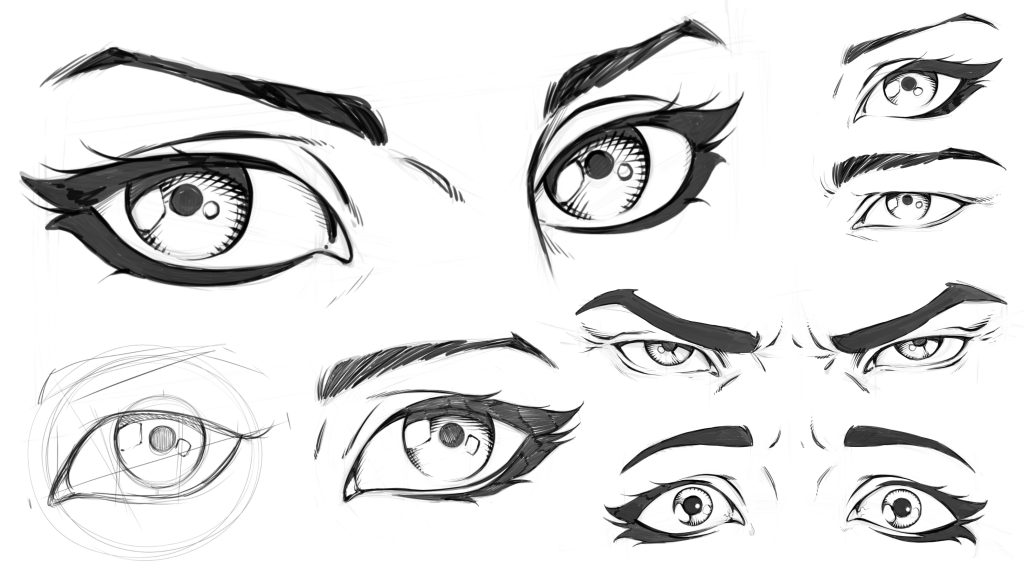
In these lessons you will learn how to draw eyes in a variety of ways. You will learn how to draw eyes on an angle. We will cover how to break down the eye shapes and what to look for when drawing male or female eyes. Then you will learn how to draw youthful or aged eyes. You will also learn some rendering techniques along the way.

This class is 5 lessons / 1 Hour Total. These lessons are not software specific and they only focus on the drawing techniques.

Lesson 1 – Constructing the Eye

Lesson 2 – Drawing Eyes on an Angle

Lesson 3 – Drawing Male Vs Female Eyes

Lesson 4 – Drawing Eyes with Anger and Fear

Lesson 5 – Drawing an Eye Young and Old

You will also get the art files to work along with.

Let me know what you think of these lessons and I am here if you have any questions!

Get these Lessons here on my Skillshare – http://skl.sh/2vO7FX0

Or on my Gumroad here – https://gum.co/Gbvb

Thanks for your support! 🙂

Robert A. Marzullo

Ram Studios Comics
www.staging.ramstudioscomics.com

Watch the promo video here –


Creature Design Course – Coming Soon!

Next up…Designing Cool Creature Concepts

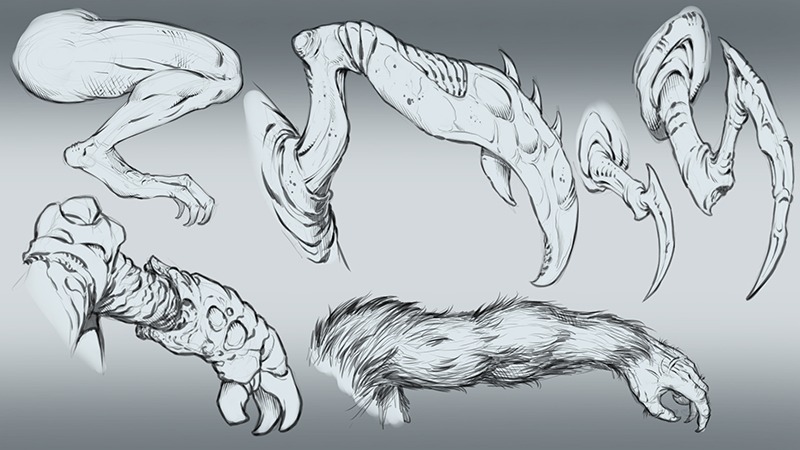
Creature Design Sketches by RAM

Ever wonder how people come up with tons of great ideas? Do they just have some sixth sense when it comes to illustrating fantastical beasts? Nah! They just know you need to study from nature more. Animals, insects, plants, sea life, even microscopic life forms will give you all you need to create that next mythological monster.

So in this next series of lessons we delve into that concept. I will show you how to create studies from the spine of various animals to have a foundation for your creature design. We will talk about the importance of quick thumbnails to explore a multitude of ideas. Then we will cover Predators versus Prey and what some of the noticeable differences are. Then we will put it all in action with a creature concept or two.

This will all be in a drawing style and not software specific so that digital and traditional artists can follow along. Working on the lessons now so check back for updates if you are interested.

Get theses lessons on my Skillshare or Gumroad in the links below.

Skillshare Classes – https://www.skillshare.com/r/user/ramstudioscomics

My Gumroad –

https://www.gumroad.com/robertmarzullo

Thanks for stopping by and let me know if you have any questions!

Robert A. Marzullo

Ram Studios Comics