Category Archives: Uncategorized

How to Draw a Muscular Arm Pose – Step by Step – Tutorial

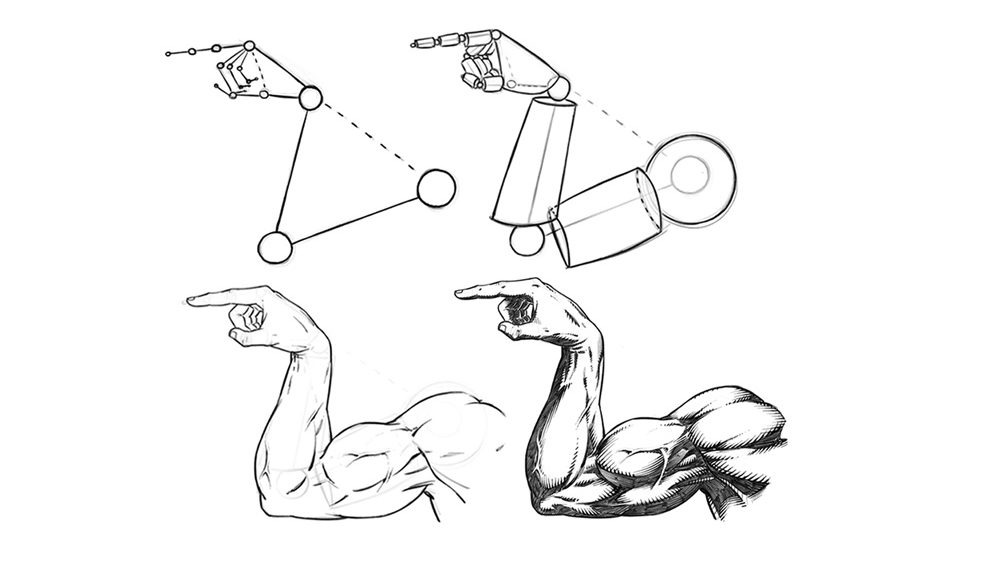
In this tutorial we will be drawing the outside of a male muscular arm. This time it’s the old, “Which Way to the Beach” pose. We have all done it one time or another, right? Let’s get to it!

Step 1 – Draw out the direction of the pose with the line and circle method. Think of these like the bones under the muscles and at this stage just focus on the length and direction of each section of the arm and hand. Notice the relationship from the wrist to the shoulder and the shape of the base of the hand from this angle.

They are both triangular. It helps to notice shapes like these to make your drawings more consistent.
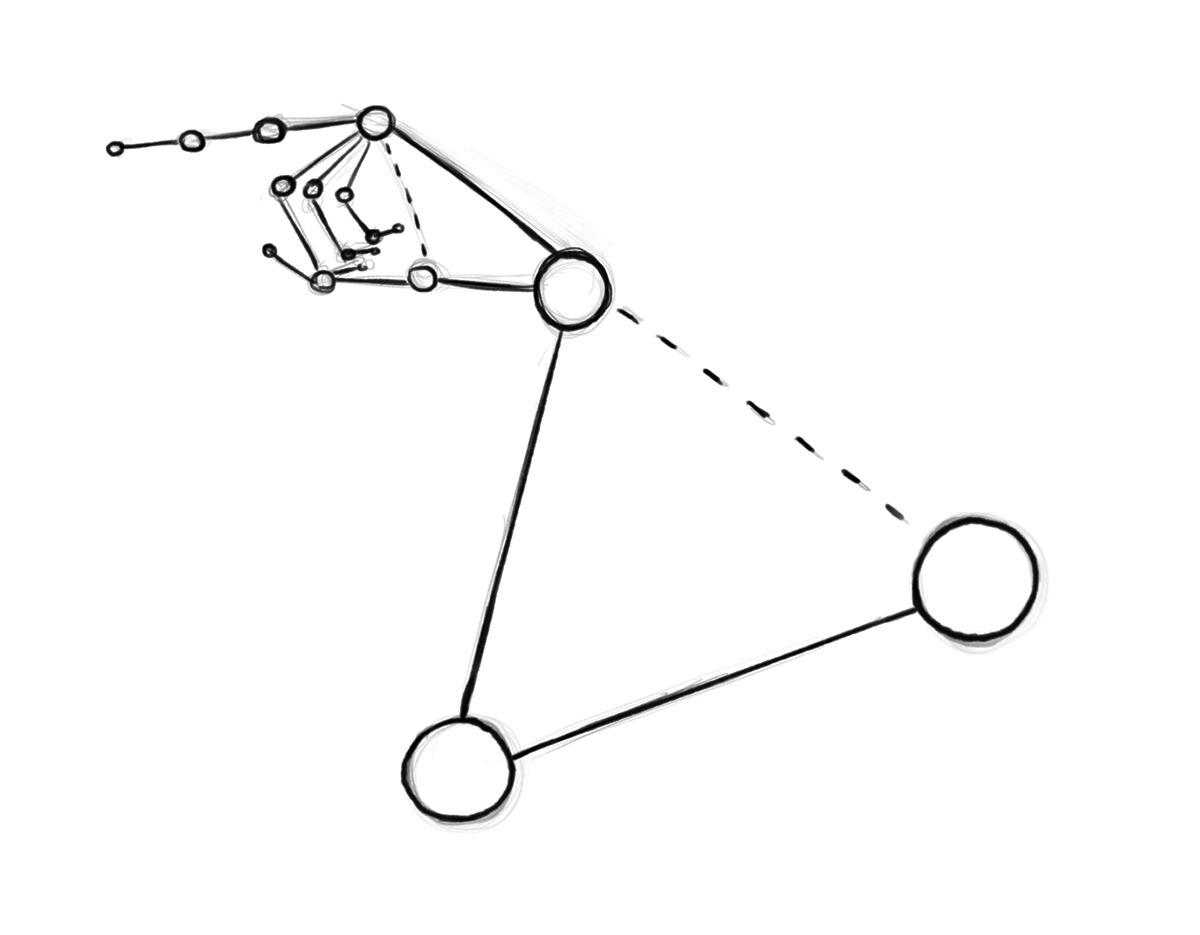
Drawing an Arm Pose – Step 1 – Arm Structure

Step 2 – Now draw out the cylinder shapes to establish the basic forms. Think of a mannequin or marionette. Keep it simple and still only think about proportions and direction of the segments. Also be open to changes at any stage of this process.  Correcting things early on will save you lots of time and heartache.
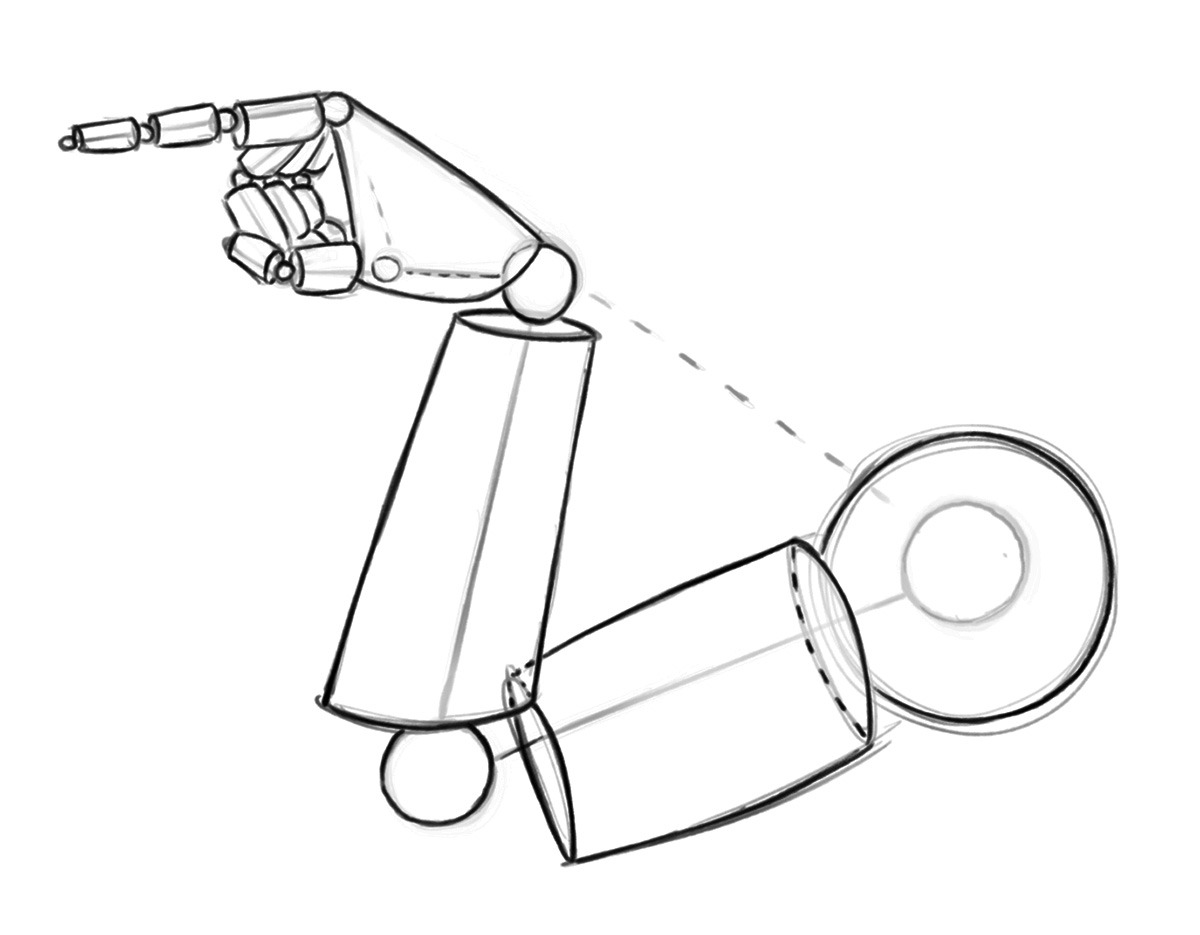
Drawing an Arm Pose – Step 2 – Basic Forms

Step 3 – Now soft erase your lines and start to draw more curvature for your anatomy. Notice the way that each area tapers inward to meet the next. The shoulder tapers in to meet the upper arm and the upper arm tapers in the meet the lower arm and so forth. And notice where I changed the shape of the anatomy to go inside and outside of the initial mannequin stage. The basic construction is only meant to be a guide, so I never hesitate to make changes if I see something that could be better.
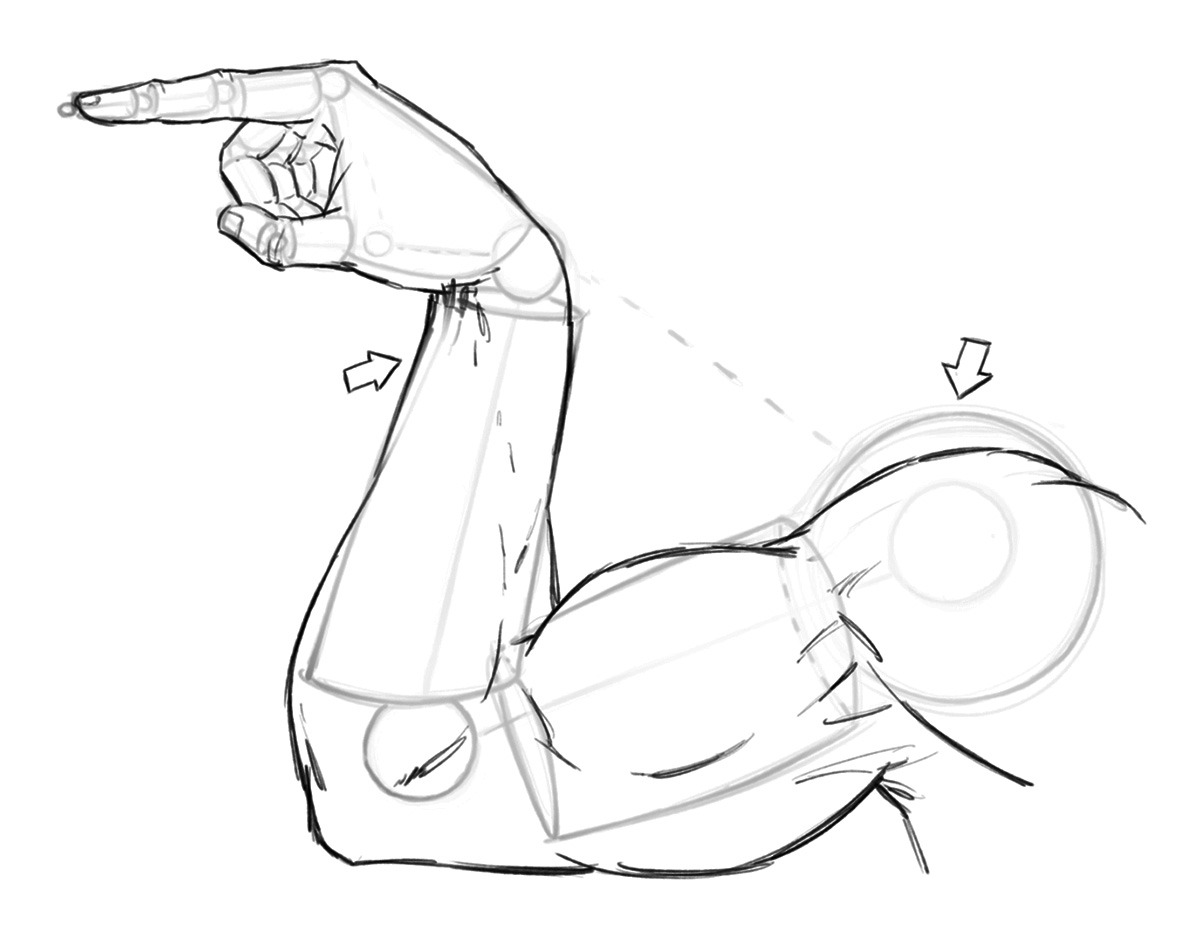
Drawing an Arm Pose – Step 3 – Anatomy

Quick Tip – Study anatomy often but improve over a long period of time. Don’t let the idea of perfection slow you or stop you from completing your work!

Step 4 – Now like before, soft erase your lines and begin to refine the anatomy a bit more. This time giving more line weight and clarity to the drawing. You can also start to draw in some veins to add to the depth and realism to the drawing.
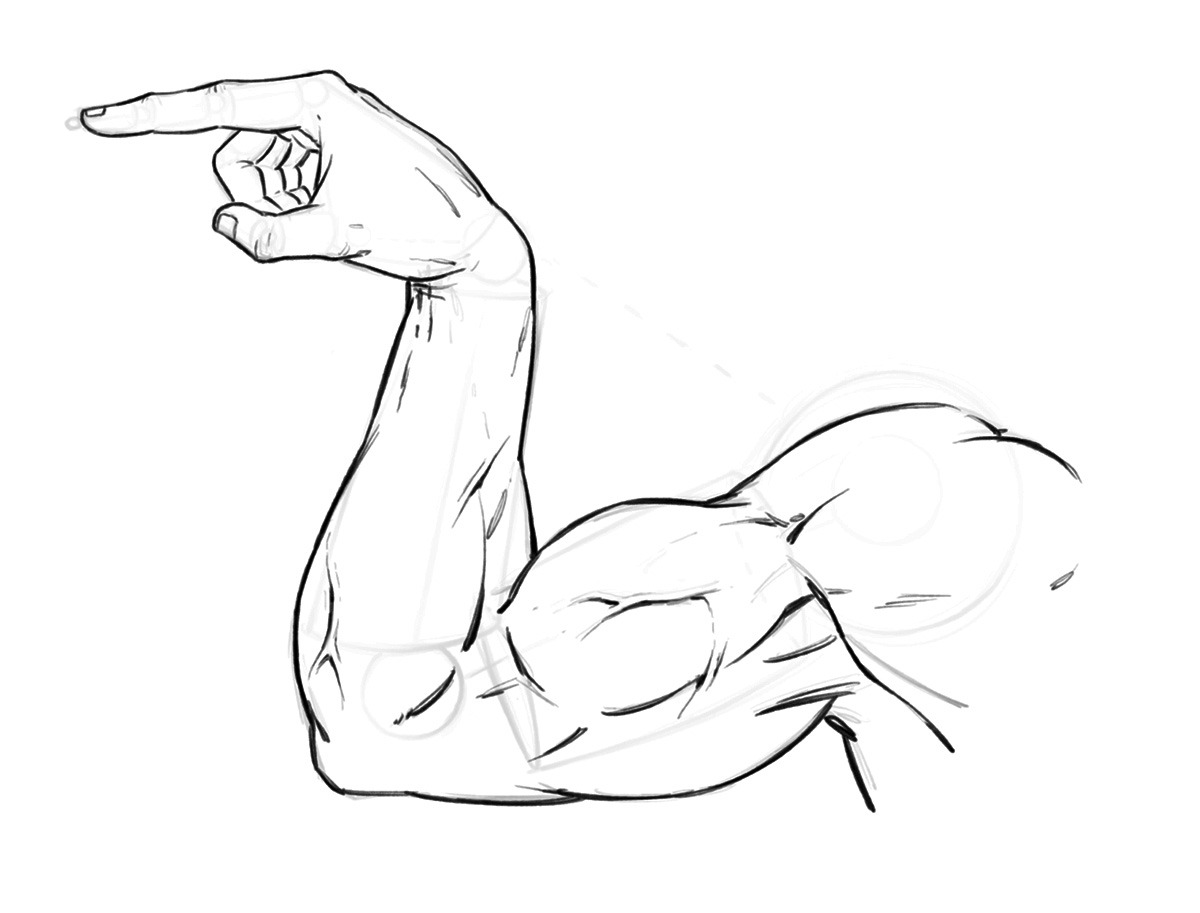
Drawing an Arm Pose – Step 4 – Refining the Line Work

Step 5 – Draw in the shapes of shadows to your muscles. And if you are working with an inker make sure to sketch the small x’s so they can read the artwork more clearly. You don’t necessary have to do this step if you are your own inker but it doesn’t hurt to get in the habit, just in case!
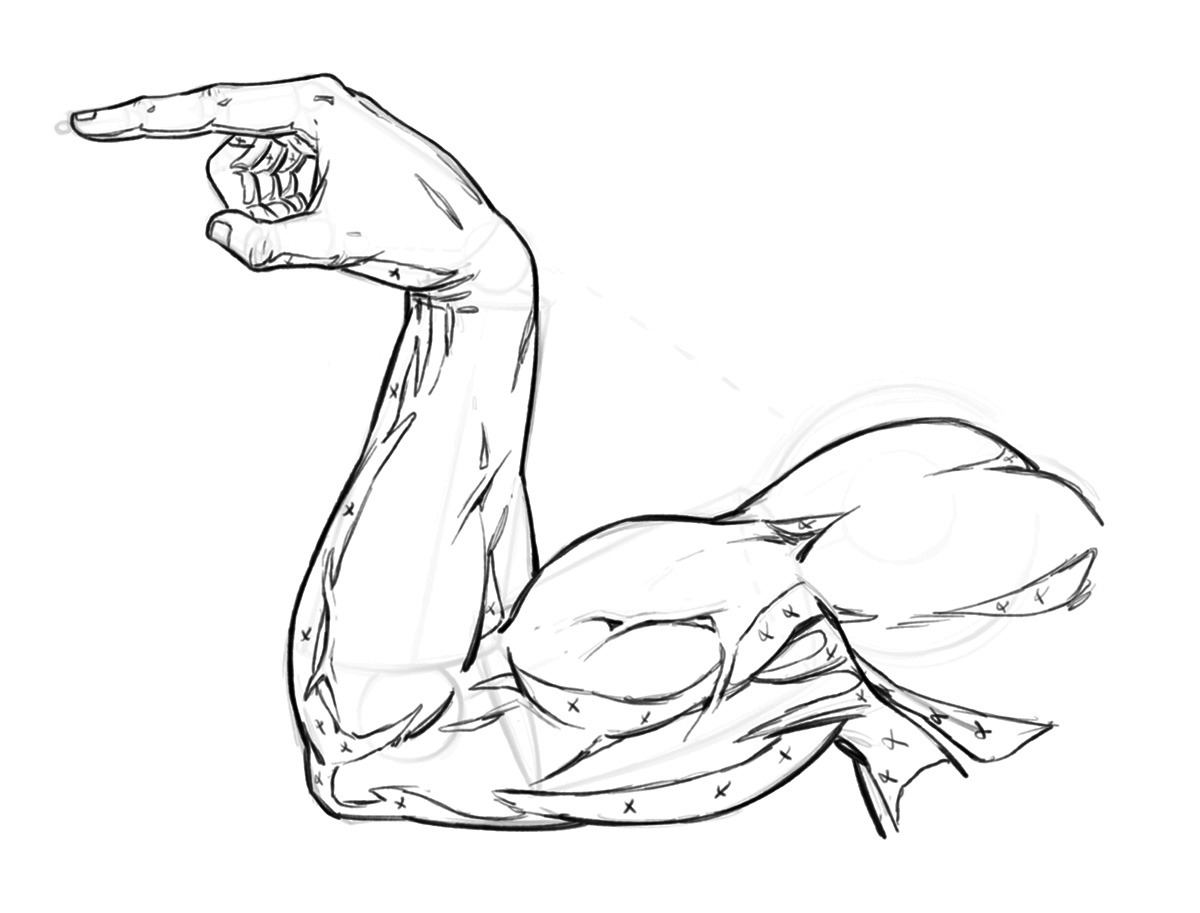
Drawing an Arm Pose – Step 5 – Adding in the Shapes of Shadows

Step 6 – Now add in your rendering lines and really start to make the artwork pop off the page. Notice how the veins cast a small shadow of their own on one side. And, how they catch light on them even in the shadow of the arm. This is more stylized but it gives the appearance of depth. Overall this is a very stylized arm drawing but that is the fun of comics, not everything has to be entirely accurate!
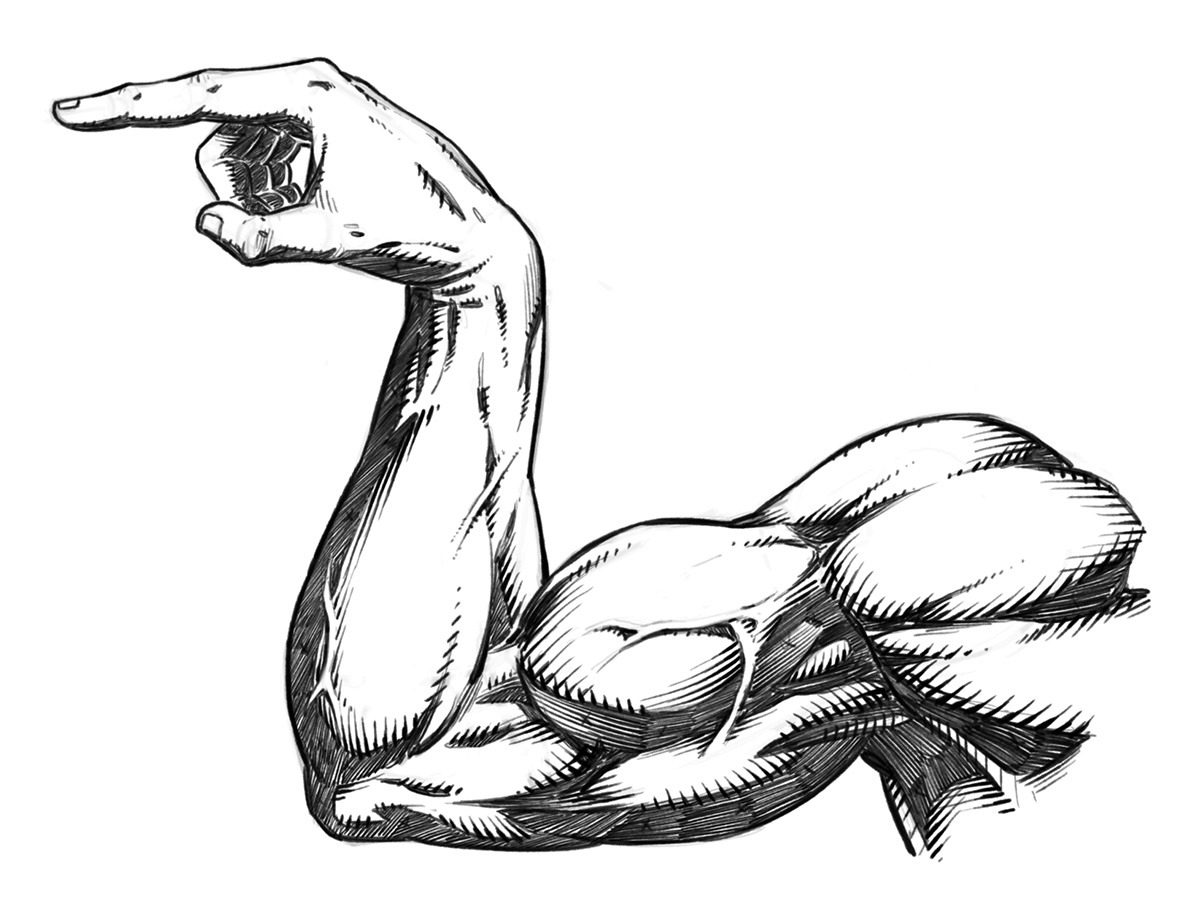
Drawing an Arm Pose – Step 6 – Rendering and Cross Hatching

I hope you’ve enjoy this quick tutorial on stylized arm anatomy for comics. This is a sample tutorial from my book “Learn to Draw Action Heroes” which you can find on Amazon or at Barnes and Nobel.

If you want more educational content like this and prefer video courses you can get them here – https://ram-studios-comics-art-school.teachable.com

Thank you for stopping by and more tutorials are on the way soon.

Keep drawing keep having fun! 🙂

-Robert
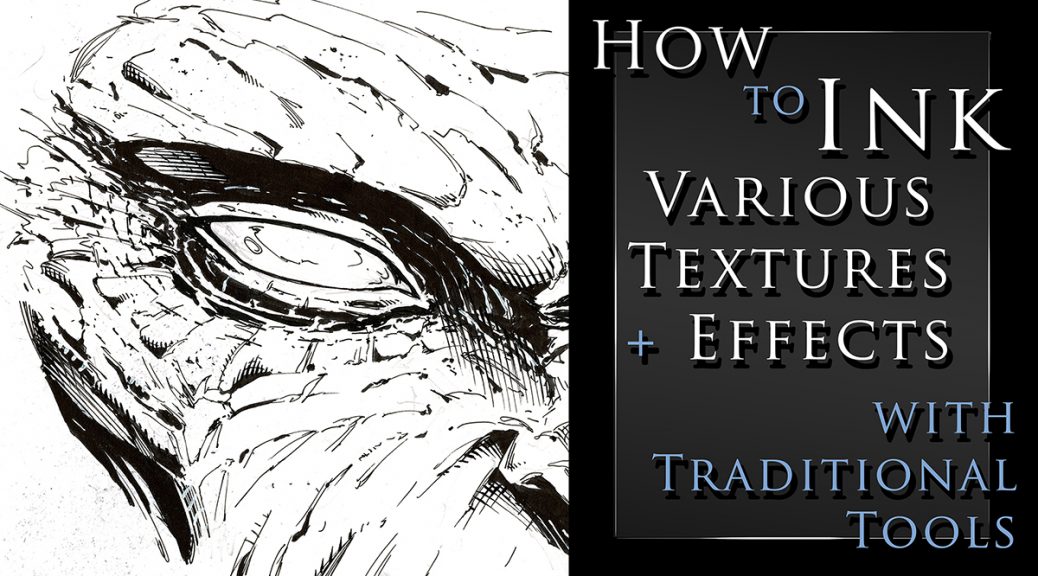
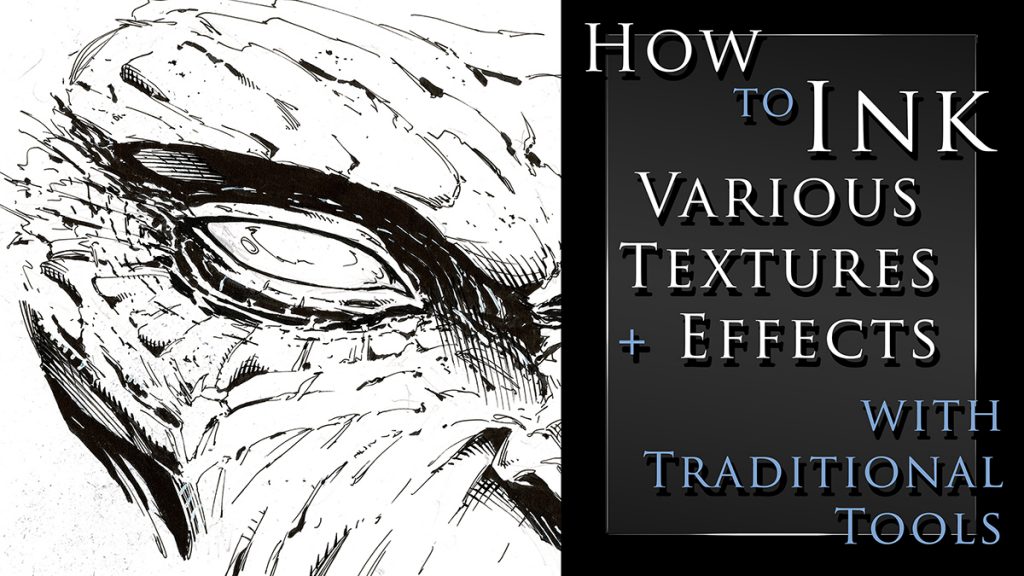
How to Ink Various Textures and Effects with Traditional Tools

How to Ink Various Textures and Effects with Traditional Art Tools

I just created a new class on Traditional Inking Techniques. You can get it on my Gumroad or watch it on Skillshare with the links below.

In this class I will show you my methods for drawing and inking various textures with traditional tools.  You will learn about line weight, textures, cross hatching, and making corrections as you work.

This class currently include 3 project files and the run time is at just over an hour.  The first project is drawing and inking a monstrous face.  Here we will go over the benefits or random textures and effects.  Sometimes you just have to let the pen go and see what happens!

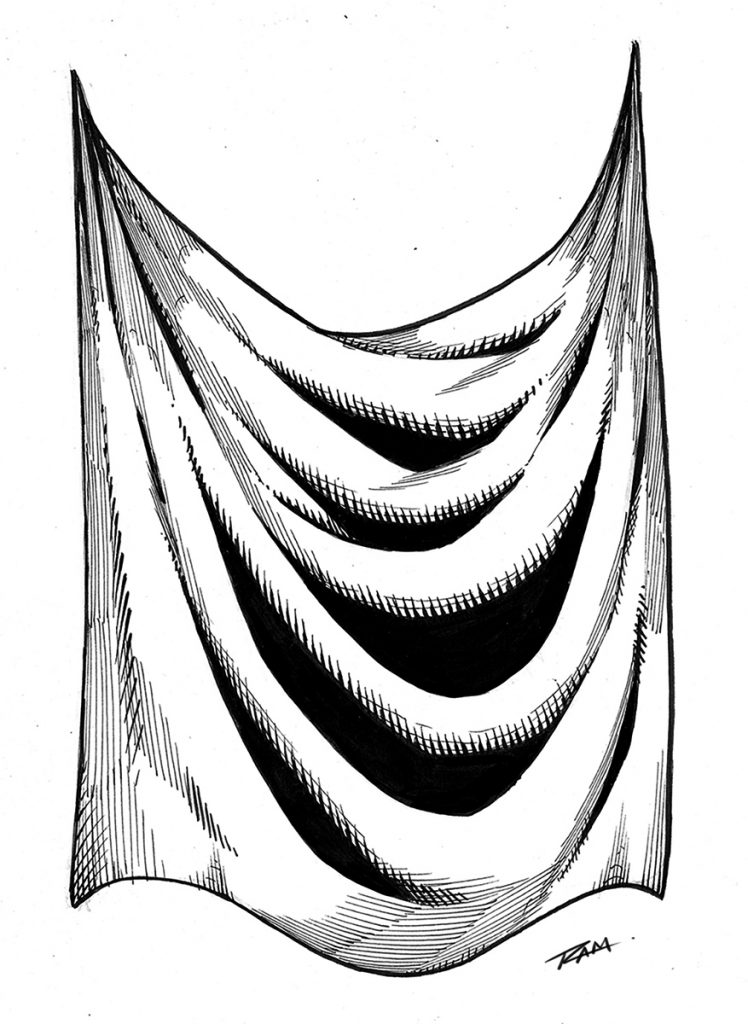
Cross hatching - Drapery

For the next project you will draw and ink a fantasy art sword.  This will allow us to work on something with more structure and talk about clean lines.  This is also a good opportunity to render some chrome like effects.

For the third project we will draw and ink some drapery.  This is something we need to practice a lot and it will relate to clothing and a variety of other materials.  This one is a time lapse with narrated since many of the concepts will be redundant.

You get all the art files to study and work along with.  I will be adding more examples very soon but let me know if there is something you would like to see covered in future lessons.

Tools that we will be using in this class – 

  • Strathmore 200 Series Bristol Board Smooth
  • Micron Pens – 01, 05
  • Tombow Dual Brush Pen – N15
  • Zebra Pen WFSS4 150
  • Presto Jumbo Correction Pen ( White Out )
  • Pentel Brush Pen Fine Point
  • Staedtler 2mm Lead Holder – 2H lead

Thank you for your continued support and good luck with your studies!

Watch it here on Skillshare – https://skl.sh/3nXut1i

Get the class here on my Gumroad – https://gumroad.com/l/OgsQC/ramstudioscomicssite777

Robert A. Marzullo

Ram Studios Comics

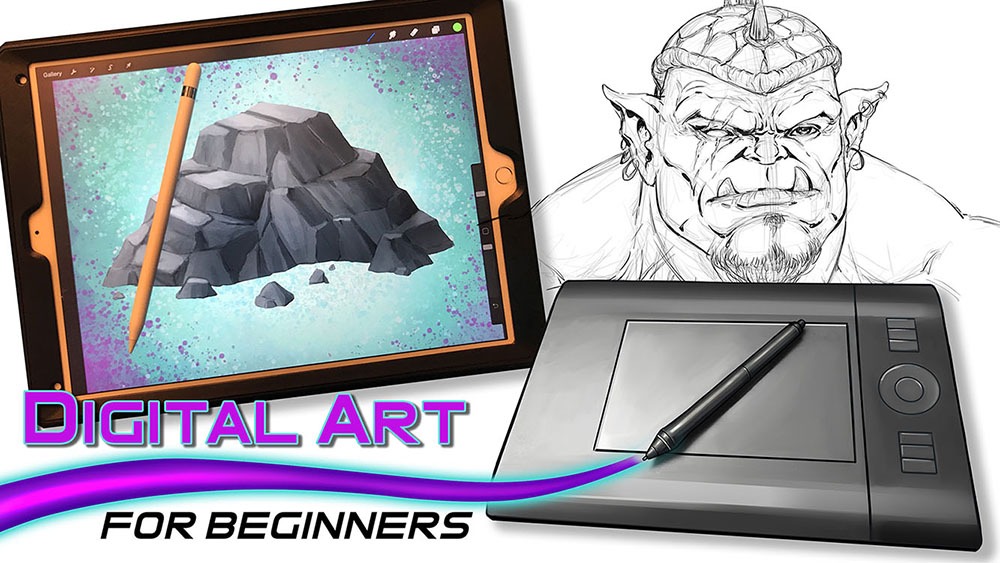
Digital art for Beginners – unleash your creativity

Digital Art for Beginners

Hello Artists!

I have just released my course, “Digital Art for Beginners.” This is something I have been working on for some time. If you follow my work then you already know most of everything I create these days is done with digital tools and programs. I have been working with digital software for over 20 years and drawing tablets for over a decade. So I felt it was time to share everything that I know about Digital Art production.

This course is designed to help you break into the world of Digital Art by giving you the information that I had to search for or learn by trial and error. It is my goal to save you time and alleviate any frustration you might incur while making the jump.

Learning to create with Digital Art Tools can seem frustrating at first but you have to realize that there are so many neat ways to edit your work that you can still be productive while developing your skills. The main thing is to keep an open mind and keep creating!

In this course you will learn about some of my favorite art programs that I have used for many years to create my style of art. We will cover Sketchbook Pro, Clip Studio Paint, the Procreate app, Adobe Photoshop, and Krita. You will learn about the tools that each of them have adopted from one another over the years as well as the ones that make them unique.

In the next section of this course we will cover 3 types of drawing devices. The Wacom Intuos 4 Medium Tablet, the Wacom Cintiq 22HD, and the iPad Pro 12.9 / Apple Pencil. This will give you a good range of what is available to you as a Digital Artist.

Then we will jump into using these tools to produce 2 different art projects. This will allow you to see how I use these to create my Digital Art on a daily basis. I will explain my Drawing and Painting process and how I use the tools to make edits. The main focus here is to get you to feel more comfortable with these tools. Many artists experience a feeling of disconnect and that is entirely natural when trying something new. You will overcome it with patience and practice. I assure you and I am speaking from experience!

Watch the Introduction Video to this Course here –

I am here to help you. If you take this course and have any questions please send me an email through my website form. I will help you as quickly as possible. If you have any ideas for new lessons that will make this a better learning experience for everyone, then I will be more than happy to add them to this course!

This course is currently 4 Hours long + Art Files and Brushes

Get Lifetime assess to this course here on my Gumroad – https://gum.co/eAnSS

or Watch it here on Skillshare –

https://skl.sh/2Ik1PnV

Thank you for considering my content and good luck with your Digital Art! 🙂

-Robert

How to draw comic style art – from sketch to rendering

How to Draw Comic Style Art – From Sketch to Rendering

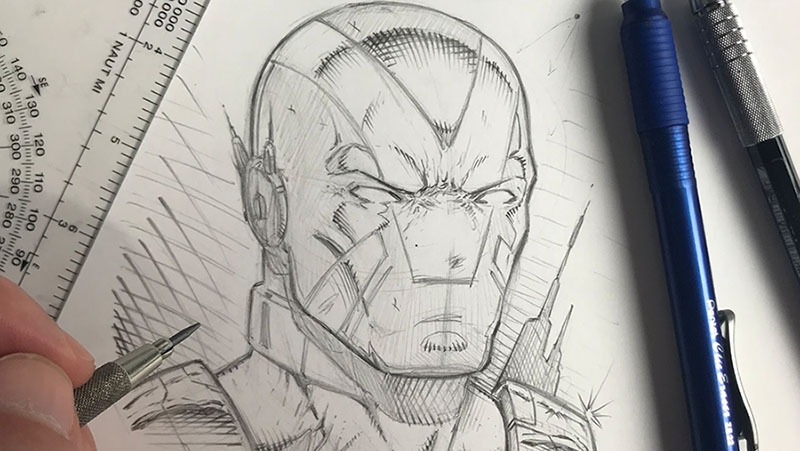
Welcome back fellow comic art enthusiasts! I have completed a new series of lessons for you on drawing in a traditional comic art style. From rough sketching to the final rendering and cross hatching stage, you will learn the process I use to create my art with good old pencil and paper.

If you are looking to learn how to draw comics in a step by step fashion then this course is meant for you!

I first walk you through my basic supplies. I show you how I use a variety of pencil leads ranging from 2H to 2B to get the look I am after. This course has multiple projects files so that you can work along with me to better understand drawing with Line, Shape, Form, and Shadow. With these fundamental ideas you can draw anything around you and translate it into your imaginative work of art!

Here are some of the things you can expect to learn in this course –

  • Understanding Line – Shape and Form
  • Constructing Your Designs with Primitive Shapes
  • Working with Light and Shadow
  • Cross hatching or Rendering Techniques
  • Line Weight and Line Clarity
  • Focal Points
  • Contrast within the work
  • And Rendering a Variety of Materials
  • Drawing Dynamic Poses
  • Creating a Superhero Character Design

Get Lifetime access to these video lessons here on my Gumroad – https://gumroad.com/l/PNGi/RAMSTUDIOSCOMICS101

If you prefer to get this course on Udemy then please use this link here – https://www.udemy.com/course/how-to-draw-comic-style-art-from-sketch-to-rendering/?couponCode=RAMSTUDIOSCOMICS111

Once you have purchased this content you get all updates for free. I will be adding more lessons as I learn new techniques to share with you on drawing comic superheroes! Currently this entire course is 6 hours long.

I hope you enjoy the lessons and you can share your artwork with me here through my contact form. Good luck with your comic art and have a great day!

-Rob

Custom Brushes by RAM – Clip Studio Paint / Manga Studio 5

Are you a fan of custom brushes for Clip Studio Paint? I know I am! They save a ton of time and can really open up some new ideas when utilizing them. If nothing else, they are just plain fun to use!

I have been creating brushes for years now. I started in Photoshop about 15 years ago but quickly feel in love with Clip Studio Paint’s brush engine. It is the absolute best on the market so far. Not only does it have a supperior use and control of the “Ribbon Effect” it also supports full color brushes. As well as controling the two primary colors with the Foreground and Background swatches. Super effective in my opinion!

I have two primary sets for Clip Studio Paint / Manga Studio 5. They are the “RAM – Manga Studio 5 / Clip Studio Paint – Inking Set” and “Clip Studio Paint – Manga Studio 5 – Digital Painting Brush Pack.” I started by creating Inking Brushes for Comics. Then I realized that I could create all sorts of time saving effects. Brick patters, cross-hatching, hair and fur, power effects, and the list goes on.

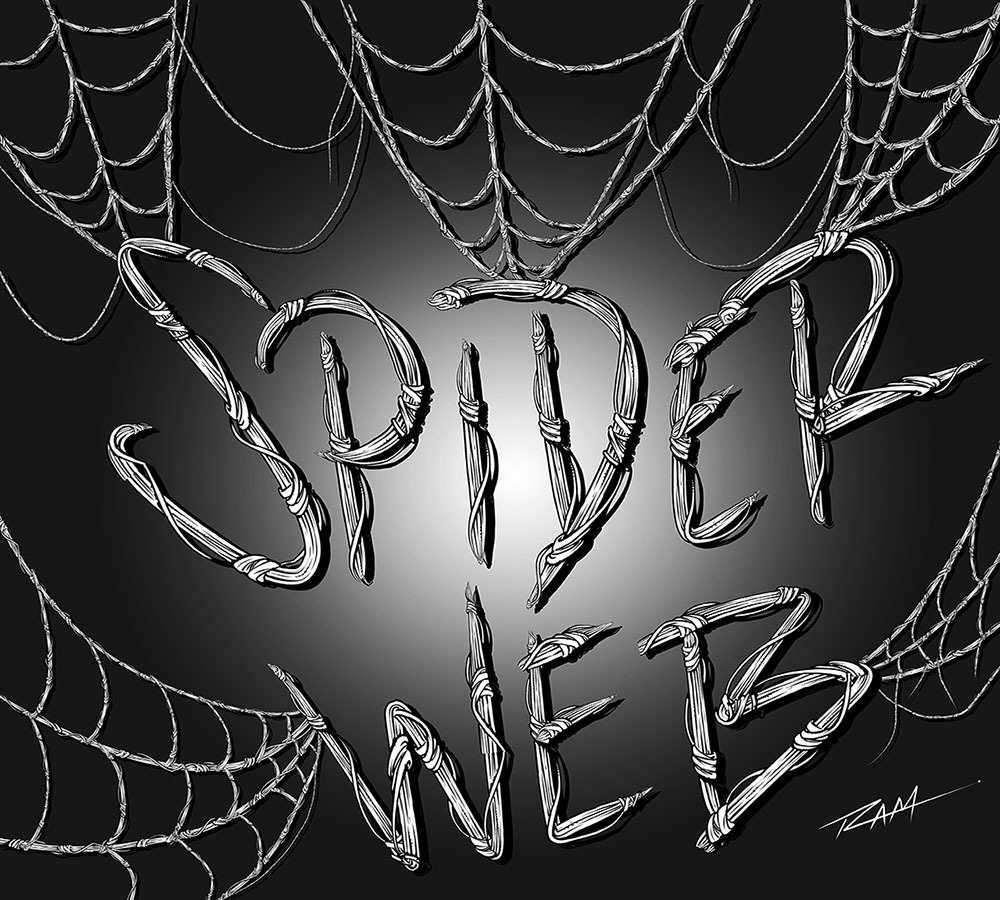
The new brushes that I just added are focused on repetitive patterns or “Ribbon Effects”. Things like Chain Links but with a comic style line art applied to them. Or my latest brush… Spider-Webs! I draw Spider-man a lot so with will save me years of webbing! 🙂

Spider-Web Brush by RAM

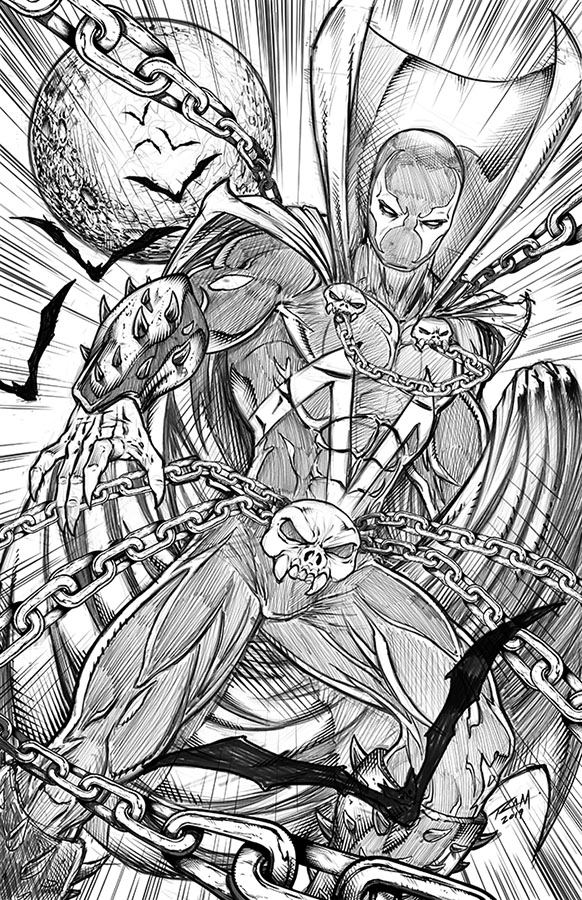
Here is an image of Spawn that I drew in the Procreate app and then added my custom Chains Brush in Clip Studio Paint.

Spawn Comic Art by Robert A. Marzullo ( Character is Property of Todd McFarlane. )

So hopefully you can see how these brushes can be very useful as well as huge time savers. This is just how I use them so feel free to experient with your own creative illustrations!

Get the Inking Set here – https://gum.co/gGIye

or

Get the Painting Set here – https://gum.co/TQPbf

Both include the new brushes and more Comic Art Style brushes will be added as soon as I create them. Feel free to let me know which brushes you need and I would love to see the art you create with them!

Thanks for stopping by and best of luck with your art journey!

Robert A. Marzullo Ram Studios Comics